
5 Best AI Video Editing Tools for Content Creators in 2027
An AI video editing tool is software that uses machine learning to handle the slow parts of editing. That includes reviewing footage, cutting filler, adding captions, and assembling clips. For content creators, it means less time on repetitive work and more time on story and pacing.
The choice is wider than ever in 2027. Some tools edit by transcript. Some edit by template. Others hand real work to AI agents.
This guide compares five tools worth your time. Each one comes with a best use case, an honest limitation, and pricing notes.
How were these AI video editors chosen?
Five criteria shaped this list:
- Time saved: how much repetitive work the tool takes off your plate.
- Creative control: how easily you can adjust the result by hand.
- Format fit: how well it suits long-form, short-form, or podcast content.
- Learning curve: how fast a new user can finish a real project.
- Cost clarity: whether pricing is simple to understand.
A tool did not need to win every category. It needed a clear strength that a specific creator would notice.
Which AI video editing tool is best for which creator?
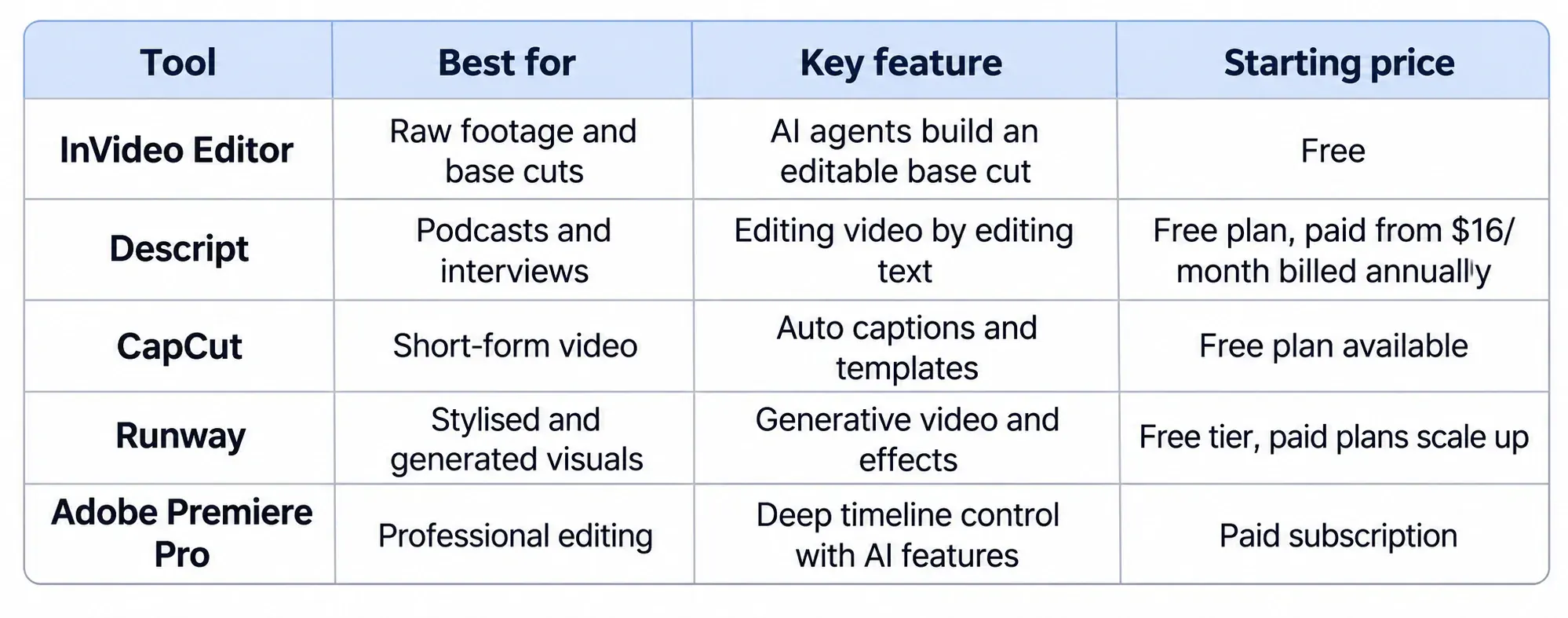
1. Invideo Editor: AI Editing Agents on a Real Timeline
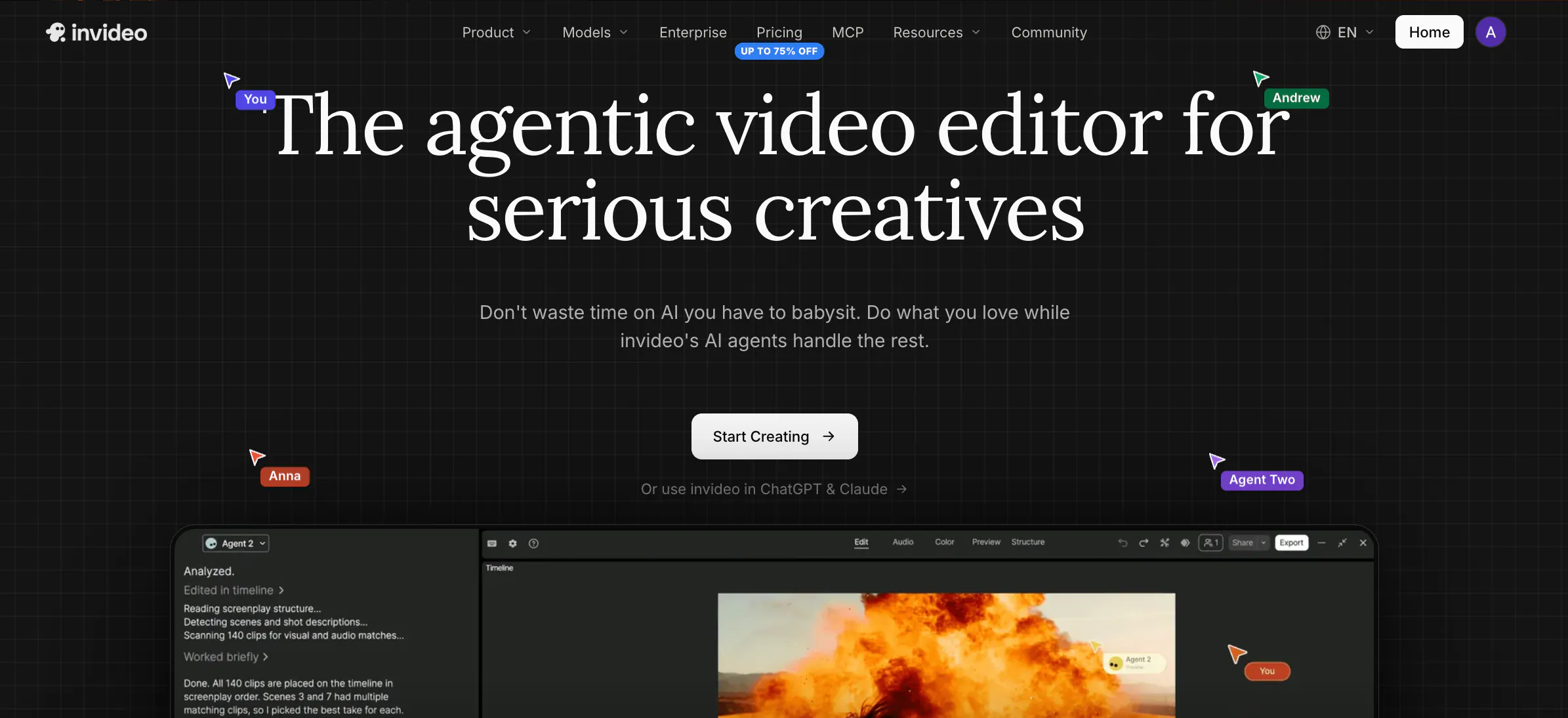
Invideo Editor is a browser-based video editor with AI editing agents you can assign real work to. You upload raw footage and give direction in plain language. The agents review takes, cut false starts, and builds an editable base cut.
Everything lands on a timeline you can inspect and refine by hand. It also covers dubbing, colour grading, audio cleanup, and cut-downs for social platforms. To try it, open ai.invideo.io and choose Timeline Editor below the prompt box.
Best for: YouTube creators and editors who work through long recordings with repeated takes.
Where it falls short: The base cut is a starting point, not a finished deliverable. Clean single-take footage also shows little benefit.
Pricing: Free to use. It runs in the browser after you sign up.
2. Descript: Edit Video by Editing Text
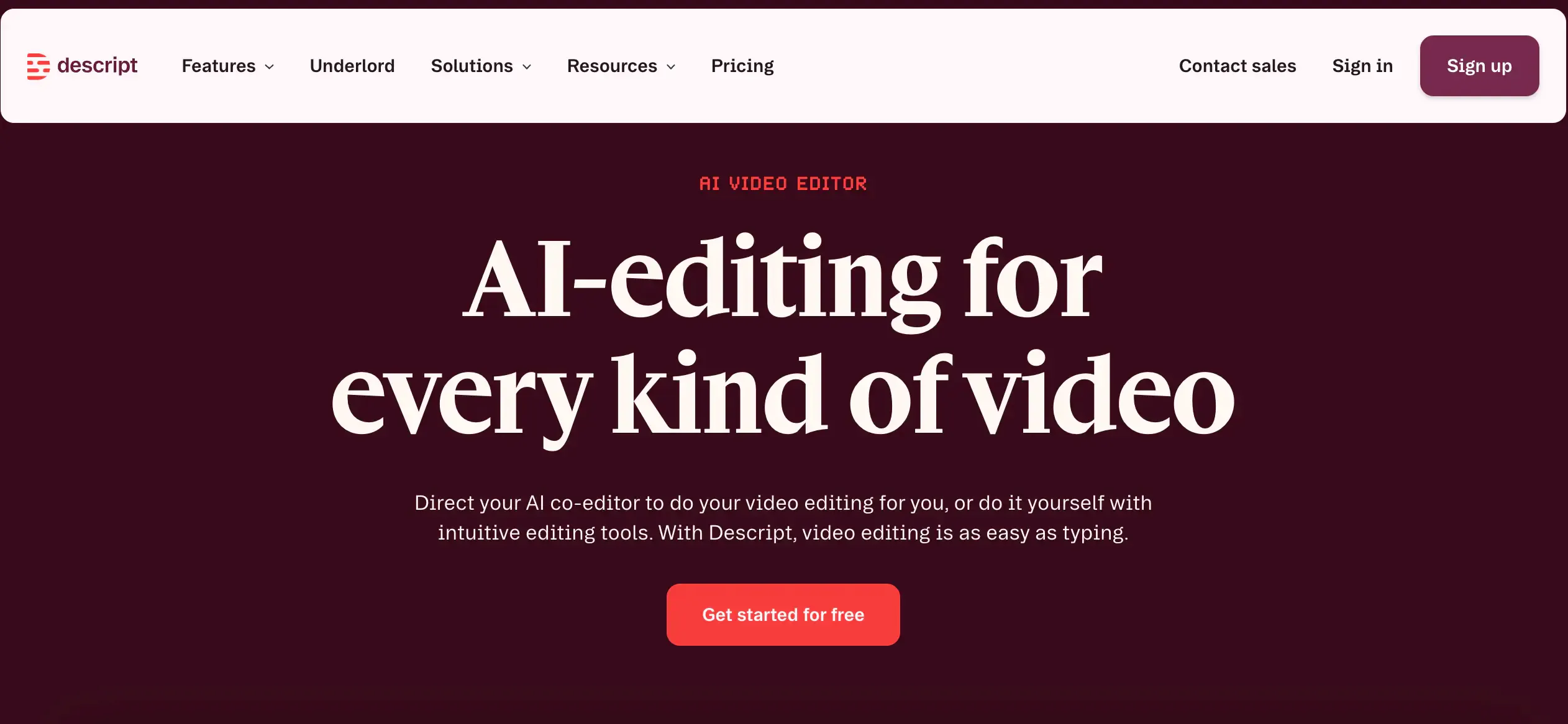
Descript transcribes your recording and lets you edit the transcript. Delete a word and the matching clip disappears. This makes interviews and podcasts quick to tidy.
Its AI tools remove filler words, improve speech, and generate captions. Built-in screen recording also helps tutorial creators.
Best for: Podcasters and interview-led YouTubers.
Where it falls short: Visual effects and colour work are lighter than in a full timeline editor.
Pricing: A free plan is available. Paid plans start at $16 per month on the Hobbyist plan, billed annually. They scale up to $50 per month on the Business plan, billed annually.
3. CapCut: Fast Edits for Short-Form Video
CapCut is built around short vertical video. It offers auto captions, templates, and quick effects. Many creators use it for TikTok, Reels, and Shorts.
Its AI features trim clips, remove backgrounds, and sync cuts to music. The interface stays simple on both mobile and desktop.
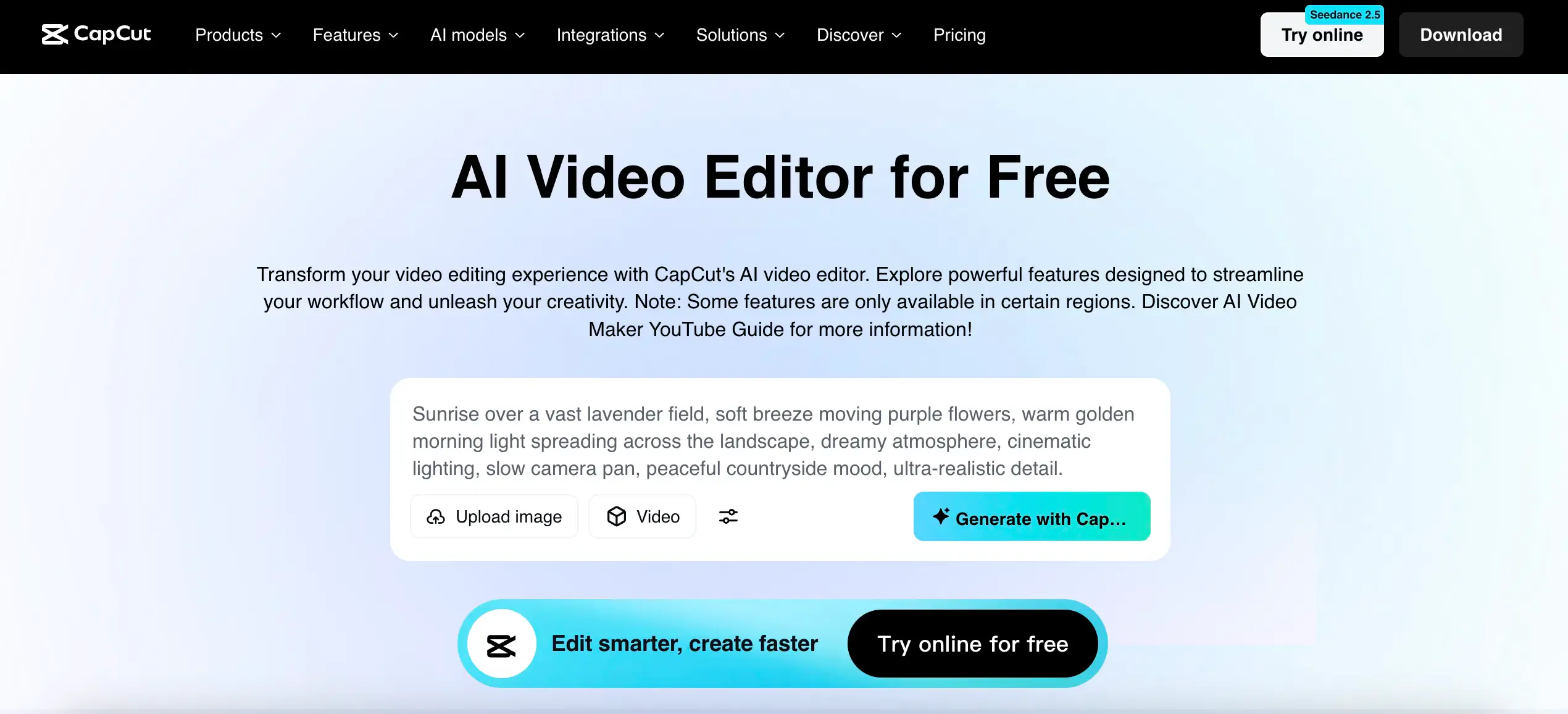
Best for: Short-form creators who post every day.
Where it falls short: Long, multi-track projects feel less comfortable here.
Pricing: A free plan is available. Paid Pro features sit behind a subscription, so check current rates on the official site.
4. Runway: Generative Video and Visual Effects
Runway is a creative AI platform known for generative video. You can create clips from text or images. You can also remove objects, change backgrounds, and apply stylised effects.
It suits creators who want visuals a camera cannot capture. Editing and generation tools sit side by side in the browser.
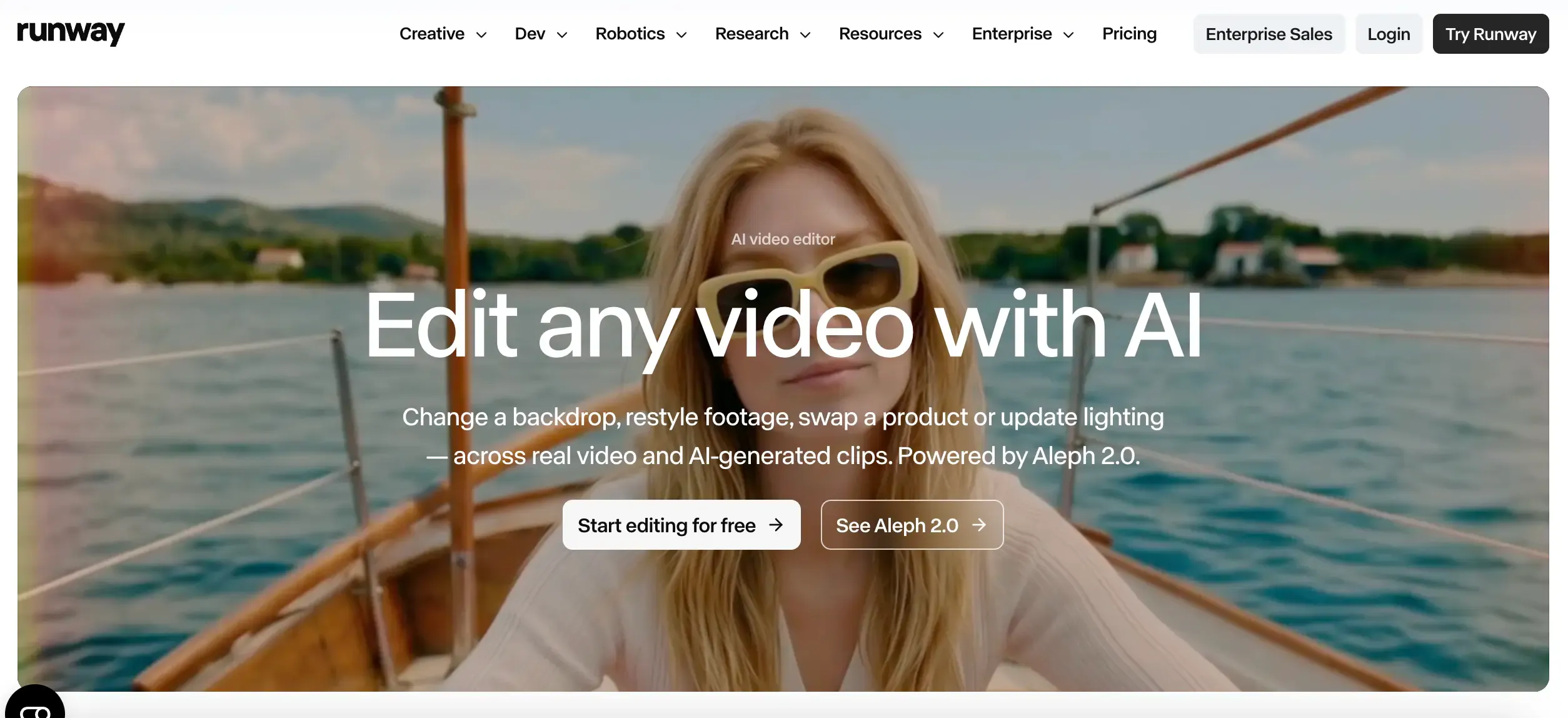
Best for: Creators making concept shots, stylised scenes, and effects-heavy content.
Where it falls short: Generation runs on credits, which can limit heavy use. Long-form assembly is not its focus.
Pricing: A free tier offers limited credits. Paid plans scale up with more credits, so confirm current tiers on the official site.
5. Adobe Premiere Pro: Professional Control With AI Assistance
Premiere Pro remains the long-standing professional standard. Recent AI features include speech enhancement, text-based editing, and auto reframing. They sit inside a deep and familiar toolset.
Teams already using Adobe apps get smooth handoffs to After Effects and Photoshop. Control over the final cut is nearly unlimited.
Best for: Professional editors and agencies on Adobe workflows.
Where it falls short: The learning curve is steep. It also needs a desktop install.
Pricing: It is sold by subscription, with no permanent free plan. Check Adobe’s site for current rates.
Which platform should you use when your footage has gaps?
Different jobs call for different platforms. Text-first editors suit talk-heavy content. Template editors suit quick social posts. Generative platforms suit clips you never filmed.
Most creators hit the same problem sooner or later. The script calls for a shot that does not exist. Invideo Editor can assemble generated and existing media against a structure you supply. Pair it with an AI B-roll video generator when your story needs cutaway shots you never filmed.
Start with your footage, not the feature list. If you shoot a lot of raw material, pick a tool that cleans it fast. If you shoot little, pick one that helps you generate more.
Which one should you use?
- Turning raw footage into an editable base cut → Invideo Editor
- Editing podcasts and interviews by transcript → Descript
- Posting short-form video daily → CapCut
- Creating stylised or generated visuals → Runway
- Full professional control on Adobe workflows → Adobe Premiere Pro
Final Thoughts
The best AI video editor is the one that removes your biggest bottleneck. For some creators that is transcription. For others it is assembly, captions, or generated visuals.
Pick one tool from this list and test it on a real project. A single messy edit will tell you more than any feature chart.
FAQs
- What is the best AI video editing tool for content creators?
It depends on your format. Descript suits podcasts, CapCut suits short-form video, and Premiere Pro suits professional work. For raw footage that needs cleaning and assembling, Invideo Editor is a strong first pick. - Is there a free AI video editor for content creators?
Yes. Invideo Editor is completely free to use and runs in the browser. Descript and CapCut also offer free plans with limits. - Can AI edit videos automatically?
AI can handle many repetitive tasks on its own. These include removing silence, cutting filler words, adding captions, and assembling a first cut. You still make the creative decisions and refine the result. - What is the difference between an AI video editor and an AI video generator?
An AI video editor works on footage you already have. An AI video generator creates new clips from prompts. Many creators use both, with generated clips filling gaps in real footage. - Will AI replace video editors?
Unlikely. AI takes over the repetitive execution of editing. Story, rhythm, and taste still come from people, which is why timeline control matters.