
How to Use Vidu Q4 and Nano Banana 2.1 for Video Campaigns
Vidu Q4 can create engaging campaign videos, but most marketers get better results when they first establish a clear visual direction. With Pollo AI, you can use Nano Banana 2.1 to create polished product images and Vidu Q4 to animate them, building a more consistent workflow for social ads, product launches, and brand campaigns.
Law firms depend on credibility. Your clients trust you with sensitive matters, so the content you publish should reflect the same attention to detail. Consistent color across every shot is a simple way to show that care.
What Makes Vidu Q4 and Nano Banana 2.1 Special?
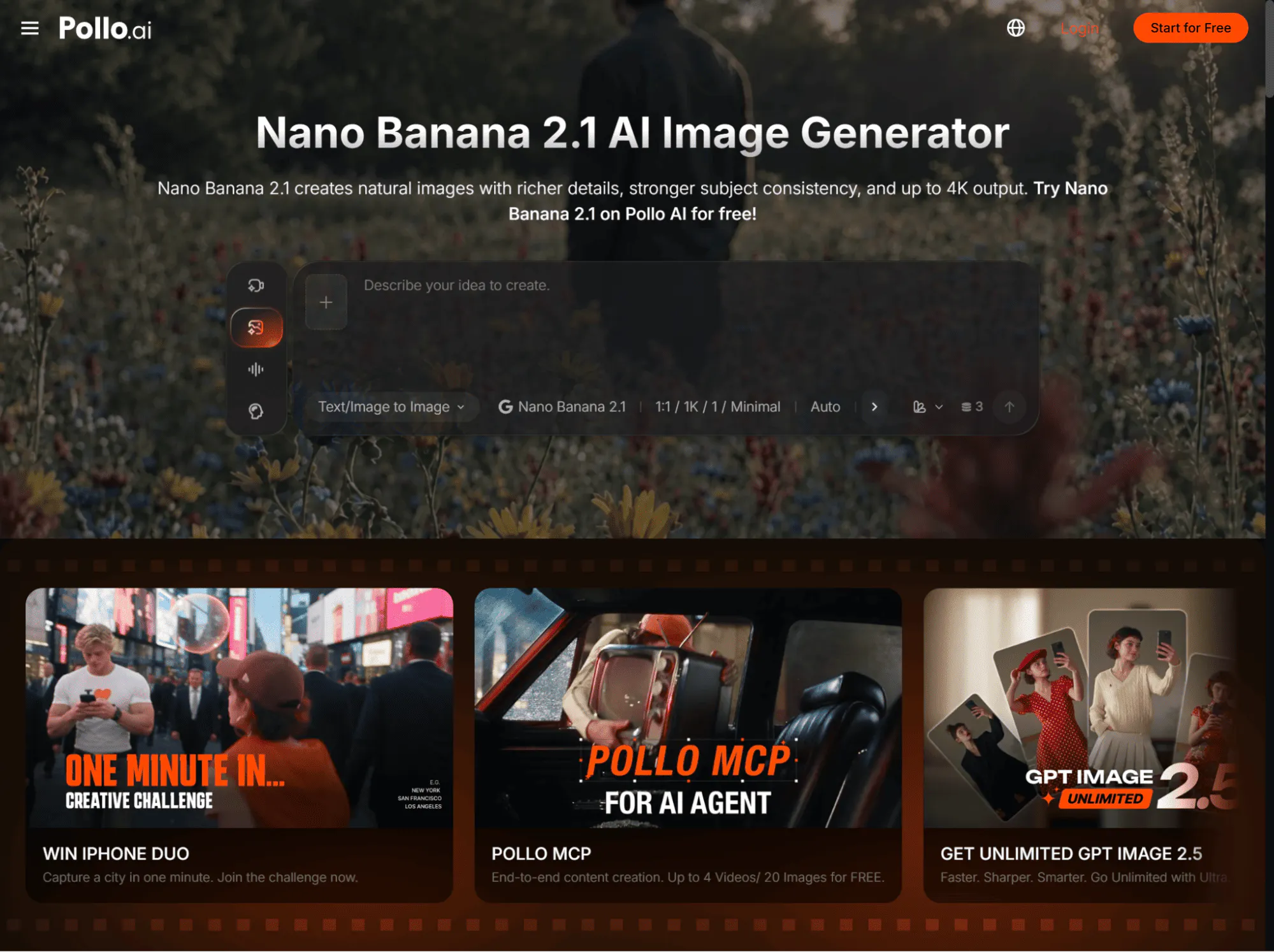
Within Pollo AI, Nano Banana 2.1 helps you create or refine the product image before production, including its composition, lighting, background, and overall campaign style. This gives you a clearer visual foundation and helps define what the product should look like.
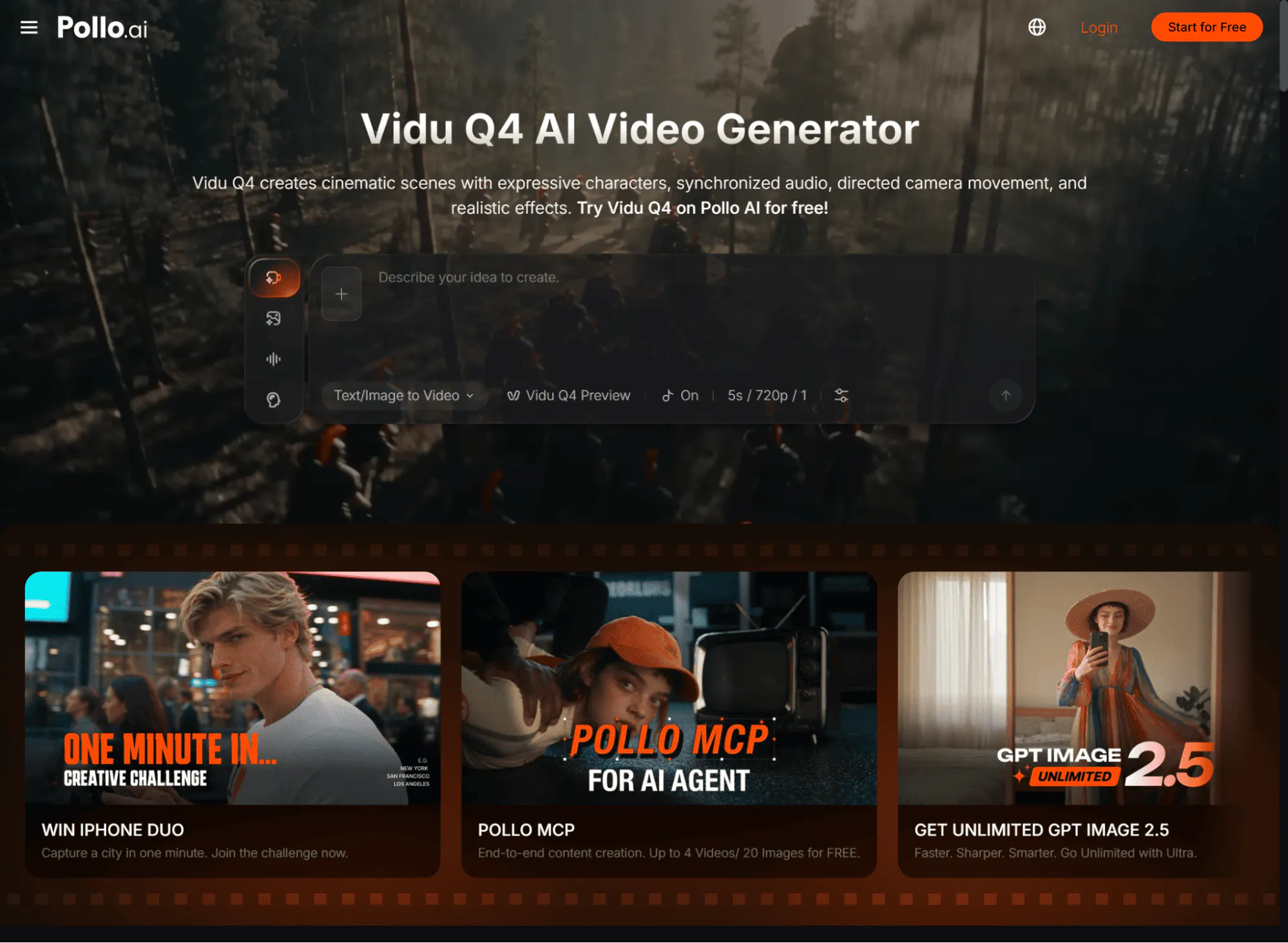
Once the image is ready, Vidu Q4 can turn it into dynamic video with product reveals, camera movements, lifestyle scenes, and short-form campaign pacing. Together, the two models cover the essential stages of a product video workflow: Nano Banana 2.1 establishes the product’s visual identity, while Vidu Q4 brings it to life through motion.
Why Use Pollo AI for Video Campaigns?
Pollo AI brings image generation, video generation, model access, and creative workflows together in one platform. Instead of moving product assets between several tools, you can create a visual with Nano Banana 2.1, animate it with Vidu Q4, and continue refining the result inside the same creative environment.
Pollo AI also provides task-focused workflows through Marketing Studio. These workflows support use cases such as product videos, photo-to-video ads, product showcases, UGC-style promotions, and image ads.
Step 1: How Do You Set Up the Pollo AI?
Start with Nano Banana 2.1 to create or refine the product image, then move to Vidu Q4 once the visual direction is ready.
Follow these steps:
- Open the Nano Banana 2.1 model page: pollo.ai/im/nano-banana-2-1.
- Upload a product image or describe the product scene you want to create.
- Generate several visual directions.
- Review the product shape, logo, packaging, colors, and small text.
- Choose the strongest product image as your reference.
- Open the Vidu Q4 model page: pollo.ai/m/vidu-q4.
- Upload the selected image and add a motion-focused prompt.
- Generate and review the video.
Starting with Nano Banana 2.1 gives you more control over the product’s visual identity before adding motion. Fixing composition, lighting, packaging, or background issues at the image stage usually leads to a more reliable Vidu Q4 video.
Step 2: How Do You Write the Perfect Prompt?
A useful prompt formula is:
Product + Action + Camera Movement + Setting + Lighting + Campaign Style
Keep the action and camera movement simple. One clear movement usually produces a more usable result than a prompt containing several competing instructions.
Try these copy-paste examples:
Product reveal
A premium wireless headphone case opens slowly on a clean white pedestal, the camera makes a smooth push-in toward the product, soft studio lighting, subtle reflections, modern technology advertising style, keep the product shape, logo, and colors consistent.
Lifestyle campaign
A reusable water bottle stands on a wooden table beside a hiking backpack, sunlight moves gently across the scene, slow cinematic camera orbit, natural outdoor lighting, premium lifestyle campaign, keep the bottle label sharp and unchanged.
Beauty product ad
A glass skincare bottle rests on pale stone surrounded by soft water droplets, the camera moves from a wide shot to a close-up of the product label, warm morning light, clean luxury beauty commercial style, preserve the bottle proportions and packaging details.
For the Nano Banana 2.1 image prompt, focus on composition instead of movement. Describe the product position, background, lighting, color palette, negative space, and any text placement needed for the campaign.
Step 3: How Can Image-to-Video Improve Control?
Image-to-video gives Vidu Q4 a clear visual foundation. Rather than asking the model to invent the product and animate it at the same time, you provide a reference image that already defines the product’s appearance.
Use an image with good lighting, a clear silhouette, and enough space around the product. Avoid blurry packaging, distorted logos, cluttered backgrounds, or several products overlapping in the same frame.
For the first generation, describe one product action and one camera movement. For example, ask the product to rotate slowly while the camera moves closer. After reviewing the result, you can create additional versions with a different background, pace, or angle.
Step 4: How Do You Add Transitions and Motion?
After generating the main clip, use Pollo AI’s transitions and motion effects to connect scenes or create additional campaign variations. A clean zoom, product wipe, match cut, or light transition can help move from one product benefit to another.
Keep the product visible during transitions. Effects should support the campaign message and maintain attention on the product rather than overwhelm the frame.
You can also adapt the same concept for different formats. Create a vertical version for TikTok and Instagram Reels, a square version for social feeds, or a wider version for product pages and YouTube ads.
What Are the Best Pro Tips?
First, create several Nano Banana 2.1 images before choosing one for animation. A strong starting frame often matters more than a complex video prompt.
Second, match the camera movement to the product. Use a slow orbit for packaging, a close-up push-in for texture, and a tracking shot for products associated with speed or performance.
Third, generate multiple short variations with different hooks. One version might focus on the product design, another on its main benefit, and a third on a lifestyle use case.
Start Creating Campaign Videos with Vidu Q4 and Nano Banana 2.1
The workflow is straightforward: create a controlled product visual with Nano Banana 2.1, animate it with Vidu Q4, then refine the result with Pollo AI’s marketing workflows, transitions, and motion tools.
Start with one product and one campaign message. Once the first version works, expand it into multiple formats and creative variations for your target channels.