
Why Solo Attorneys Are Turning to AI Video Editing to Compete With Larger Firms
A solo attorney does everything. You handle the cases, the clients, the billing, the intake calls, and the marketing. Larger firms have dedicated teams for each of those jobs, including in-house marketers and video producers who publish polished content every week. It can feel like an uneven contest before it even starts.
Video is where that gap shows most clearly. Prospective clients want to see and hear an attorney before they call, and firms with a steady stream of professional videos look established and approachable. Yet editing video takes time that a solo practice rarely has.
This is why more solo attorneys are looking at AI video editing. The technology takes over the repetitive parts of editing so one person can publish consistently, without hiring a team or giving up control of the final result.
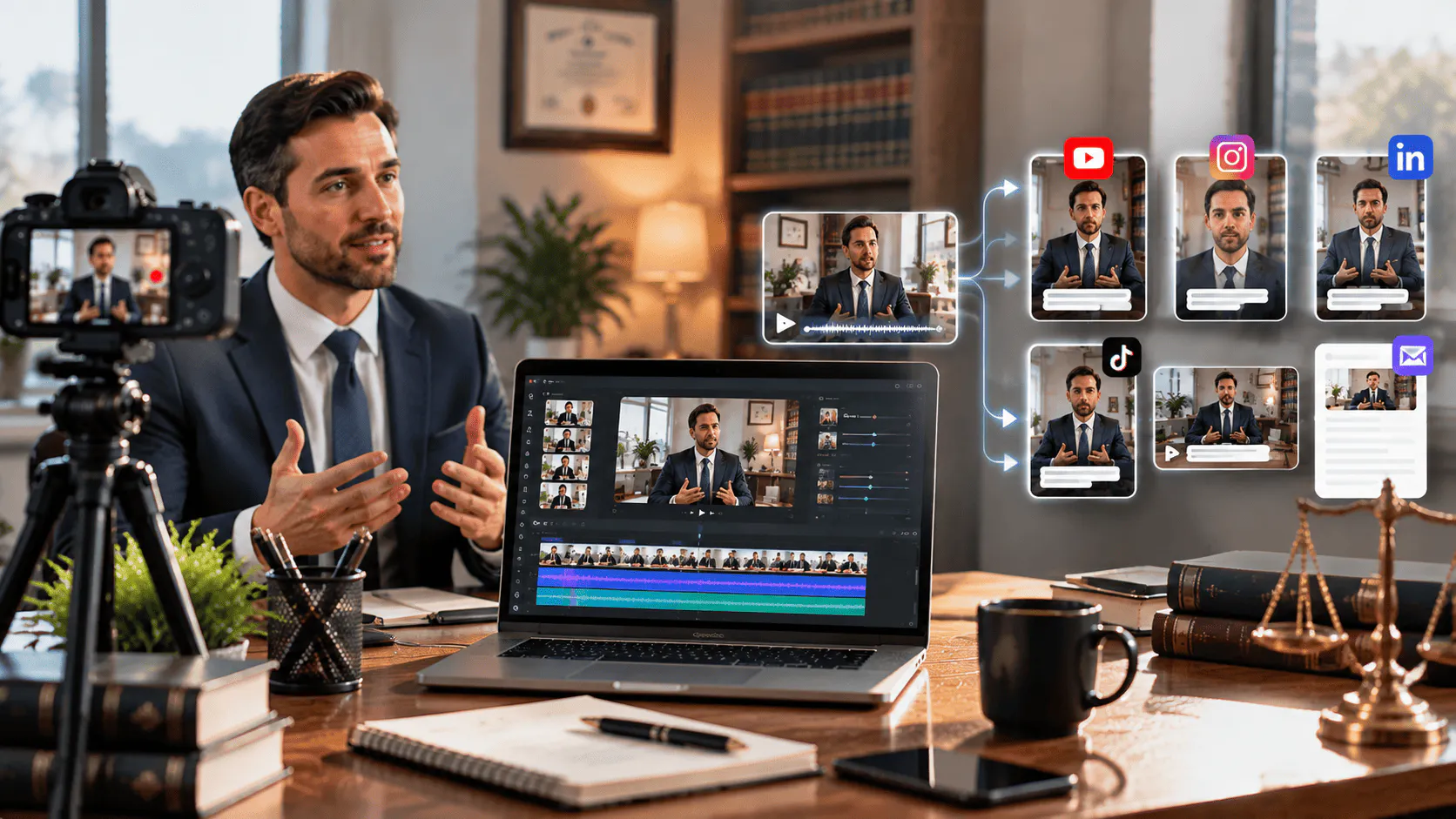
Why Video Matters for a Solo Practice
Choosing a lawyer is a personal decision. People searching for legal help are often stressed, unsure of their options, and looking for someone they can trust. A short video lets them meet you before they ever pick up the phone.
Video helps a solo attorney in several practical ways:
- It shows your personality, communication style, and confidence.
- It answers common questions before the first call, which saves time for both sides.
- It supports your website and Google Business Profile with fresh, useful content.
- It gives you material to share on LinkedIn, Facebook, Instagram, and YouTube.
- It builds familiarity, which often leads to more consultation requests.
A larger firm may have the budget to produce all of this. A solo attorney can produce it too, as long as the editing does not eat up the whole week.
The Real Problem Is Editing Time
Recording a video is quick. A ten-minute answer to a client question might take fifteen minutes to film. The editing is what slows everything down.
Raw footage usually contains repeated takes, long pauses, filler words, and false starts. Someone has to watch it all, pick the best moments, cut the rest, add captions, adjust the sound, and then create shorter versions for social media. For a solo attorney with a full calendar, that work is often the reason videos never get published.
Hiring a freelance editor solves part of the problem, but it adds cost, back-and-forth communication, and waiting time. Many solo practices end up posting rarely, which makes the firm look less active than its competitors.
What AI Video Editing Actually Does
AI video editing does not replace your judgment. You still decide what to say, how it should feel, and what goes out under your name. What changes is who handles the repetitive execution.
Modern AI editing tools can review footage, find the usable takes, remove pauses and filler, and assemble a first version of the video. Some can also create captions, adjust pacing, clean up audio, and produce shorter clips for different platforms. You give direction in plain language, and the tool does the operational work.
For a solo attorney, this shifts the process from doing every step by hand to reviewing and refining a draft that already exists.
Start With a Clean Base Cut
The most useful first step in any AI-assisted workflow is building a clean base cut. This is a complete first version of your video with repeated takes, mistakes, and filler already removed. It is not the final product. It is the starting point you carry forward.
Invideo editor is built around this idea. You upload your footage, describe how you want it assembled, and its AI editing agents pick the usable takes and lay them onto a timeline you can edit. Because everything stays visible on the timeline, you can review each decision and change anything that does not sound like you.
Choosing a Platform That Fits a Solo Practice
Not every tool suits a one-person firm. Some are too complex and require a learning curve you do not have time for. Others are too simple and give you no control over the result.
Look for a platform with these qualities:
- Plain language direction. You should be able to describe the edit instead of learning technical menus.
- Real control. You need to be able to open the timeline and adjust details yourself.
- Low cost. A solo practice should not need a large software budget.
- Browser access. No heavy installation or special equipment.
- Versions for multiple platforms. One recording should be able to feed several channels.
Invideo editor meets these needs, and you can learn more about how to edit videos with AI on its dedicated page. You describe the edit, AI agents handle the repetitive editing work, and you can switch to the timeline whenever you want more control. For an attorney with limited time, that balance between speed and control is the main advantage.
A Simple Workflow for Solo Attorneys
You do not need a complicated system. This process works for most solo practices.
- Pick one topic. Choose a common client question, such as what to do after an accident, how long a case takes, or what documents are needed.
- Record once. Use a phone or webcam with clear audio, good lighting, and a plain background.
- Upload and direct. Load the footage into invideo editor and describe the version you want, including length and tone.
- Review the draft. Watch the assembled cut, and adjust anything that changes your meaning or sounds unnatural.
- Create extra versions. Ask for a short vertical clip for social media and a longer cut for your website.
- Add captions and a call to action. Tell viewers how to contact you or book a consultation.
- Check compliance. Make sure the final video meets your jurisdiction's advertising rules.
- Publish and repeat. Aim for a consistent schedule instead of occasional bursts.
Consistency is where solo attorneys start to close the gap. One recording session a week can produce enough content to keep every channel active.
How Solo Attorneys Level the Field
AI video editing helps a solo practice compete in several specific ways.
Speed. Work that once took hours can be reduced to a review and refinement pass. That means videos actually get published.
Cost. You avoid the expense of a full-time editor or a retainer with a production company.
Volume. One recording can become a full video, several short clips, and a captioned version, which multiplies your reach.
Professional quality. Clean cuts, clear audio, and consistent style make a small firm look established.
Independence. You keep full control of your message and schedule, with no waiting on outside help.
Larger firms may still have more resources, but clients rarely choose based on budget. They choose the attorney who feels trustworthy and easy to understand, and video is one of the fastest ways to show both.
Keep the Human Side in Focus
Technology should support your voice, not replace it. The videos that build the most trust are the ones where the attorney sounds like a real person explaining something clearly. Do not let automation strip out your personality.
A few habits protect that authenticity:
- Review every edit before publishing.
- Keep the language simple and free of unnecessary legal jargon.
- Avoid heavy filters or effects that make the video feel artificial.
- Never remove context that changes the meaning of what you said.
- Keep client information confidential, and never publish anything that reveals private details.
Attorney advertising rules vary by state and jurisdiction. Before publishing, confirm that your videos follow the rules that apply to you, including any required disclaimers and limits on claims about results.
Common Mistakes to Avoid
- Waiting for perfect footage. Good enough and consistent beats perfect and rare.
- Publishing without review. AI handles execution, but you are responsible for accuracy.
- Ignoring audio. Viewers forgive average video far more easily than poor sound.
- Making every video too long. Short, focused answers usually perform better.
- Skipping the call to action. Each video should point to a clear next step.
Final Thoughts
Solo attorneys have always competed on trust, responsiveness, and personal attention. Those strengths are exactly what video communicates best. The obstacle was never the message. It was the time it took to turn a recording into something worth publishing.