Clockk
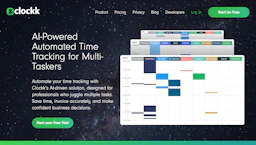
Automate time tracking with AI-powered automation that records app activity, tags work to projects and clients, and creates accurate time logs for billing.

Side-by-side features, pricing, and active deals — pick a different matchup any time.
Automate time tracking with AI-powered automation that records app activity, tags work to projects and clients, and creates accurate time logs for billing.
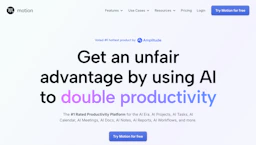
Plan with an AI Assistant that auto-schedules tasks, turns meetings into action items, prioritizes work, and cuts busywork through Automation; free plan.
Top deal: 20% off Motion Pro
| Feature | Clockk | Motion |
|---|---|---|
| Top features | Background time capture that logs app and website usage automatically to reduce manual tracking. · AI project and client tagging to cut time spent on categorization. · Activity view with per-project summaries for quick assessment and reporting. | Auto-prioritized schedules that match tasks to available time. · One-click project generation from brief descriptions and documents. · Meeting and email capture that creates actionable tasks automatically. |
| Pricing model | Paid | Freemium |
| Free plan | No | Yes |
| Active deals | — | 8 active |
| Categories | Automation, Productivity Tools, Data Analytics | AI Assistant, Automation, Productivity Tools, Data Analytics |
| Website | Visit Clockk | Visit Motion |
Paid plans are offered. Check the official site for current details.
Free plan available. Check the official site for current details.
Automatic AI tagging assigns time to projects and clients, reducing manual tracking and improving billing accuracy. Users keep control over who can view time records.
Motion uses AI-driven scheduling to build and auto-update plans across tasks and projects, reducing manual coordination. Centralized task lists and status updates improve focus and handoffs.
Motion is freemium while Clockk is paid, so Motion is the cheaper way to start.
Motion has 8 active deals on AI Tools Saver; Clockk currently has none.
Motion adds AI Assistant on top of what both tools share.
Both Clockk and Motion are Automation, Productivity Tools, Data Analytics tools, so they can cover similar use cases.
More matchups featuring Clockk or Motion.