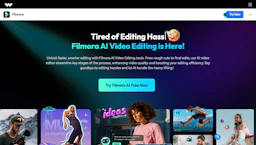
Filmora
Edit with Video Editors tools to create AI-driven videos fast; auto-caption, trim clips, add voiceovers, and repurpose footage for social with freemium plan.

Side-by-side features, pricing, and active deals — pick a different matchup any time.
Edit with Video Editors tools to create AI-driven videos fast; auto-caption, trim clips, add voiceovers, and repurpose footage for social with freemium plan.
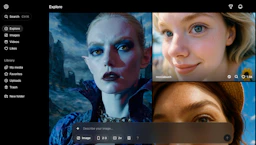
Generate short clips with Video Generators from text, including synced audio, physics motion, cameo controls, and multi-shot editing; free tier available.
Top deal: $10 off sitewide
| Feature | Filmora | Sora |
|---|---|---|
| Top features | Generate videos from text prompts using built-in Video Generators and automated voiceovers. · Automatically trim long footage into social-ready clips to speed repurposing. · AI voice tools for cleaner audio, lip-sync, and translated voiceovers. | Turn text into short videos with synced audio and ambient soundscapes. · Physics-based motion and material interactions for more natural movement. · Multi-shot editing to combine prompts into coherent short sequences. |
| Pricing model | Freemium | Free |
| Free plan | Yes | Yes |
| Active deals | — | 10 active |
| Categories | Video Editors, Video Generators, Voice Generators, Image Generators, LLM | Video Generators, Video Editors, Voice Generators, Image Generators, LLM |
| Website | Visit Filmora | Visit Sora |
Freemium model with optional paid upgrades. Check the official site for current details.
Free to start with generous usage limits. Check the official site for current details.
Filmora focuses on creator-focused automation, letting editors produce polished videos faster with fewer manual adjustments.
Provides physics-aware video generation with built-in audio and multi-shot sequencing so teams and creators can prototype short videos quickly without external tooling.
Filmora is freemium and Sora is free — compare their pricing plans below to see which fits your budget.
Sora has 10 active deals on AI Tools Saver; Filmora currently has none.
The tools overlap heavily — compare their feature lists above to spot the differences.
Both Filmora and Sora are Video Editors, Video Generators, Voice Generators, Image Generators, LLM tools, so they can cover similar use cases.