Magnific AI: Promo Codes & Discount Coupons for October 2026
Overview
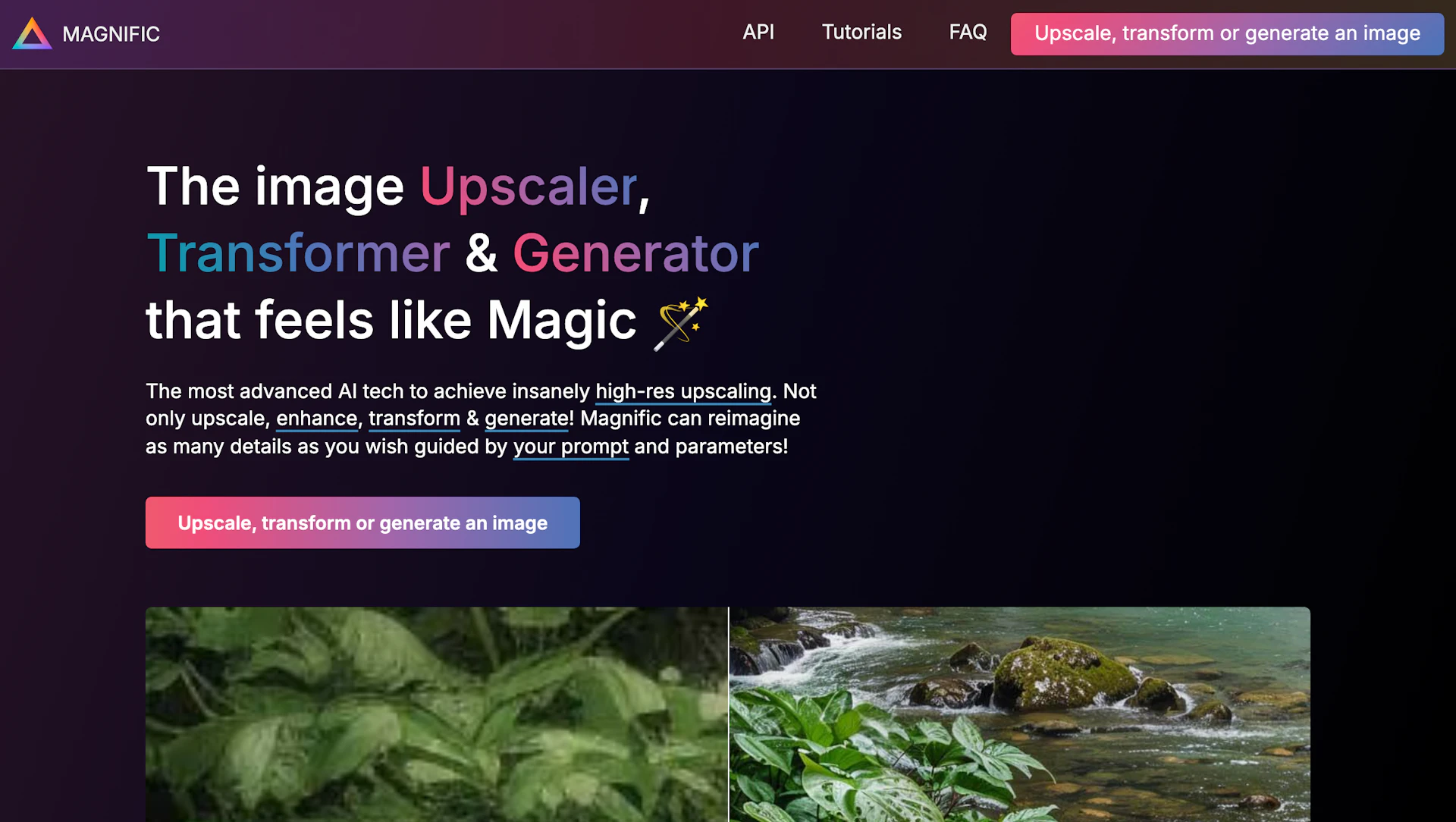
Magnific AI offers an AI-driven image upscaler, transformer, and generator for creators and teams. It converts lower-resolution photos, illustrations, and renders into higher-resolution assets using adjustable controls. The interface is built for photographers, designers, and AI artists who need precise results. Tutorials and in-app controls guide users to manage detail generation and reduce artifacts.
Use cases
- Upscaling portraits and headshots for print or social use.
- Preparing illustrations and concept art for high-resolution presentation.
- Refining 3D renders and game assets for pipelines.
- Restoring and enlarging photos for marketing and product images.
How it helps
- Save time by producing higher-resolution assets without manual redrawing.
- Improve visual quality and detail for final deliverables.
- Reduce rework with sliders that control hallucination and likeness.
Key features
- Fast high-resolution upscaling with adjustable creativity controls.
- Improve Photo Editing outcomes by restoring detail and reducing blur.
- Generate and enhance illustrations, renders, and game assets from prompts.
- Batch processing and export presets to speed repetitive tasks.
- Fine-grained resemblance and HDR sliders to manage likeness and artifacts.
Pricing
Free plan available. Check the official site for current details.
Why to choose Magnific AI?
Magnific AI provides fine-grained sliders to balance new detail and resemblance for controlled upscaling. Its interface and tutorials help creators apply upscaling across common workflows.
How to use a Magnific AI promo code?
Follow these simple steps to save on your Magnific AI subscription using our verified discounts:
- Select a Deal: Browse the active Magnific AI promo codes above and choose the one that fits your needs.
- Reveal the Code: Click the "SHOW CODE" button to uncover the coupon or "Activate Deal" for automatic discounts.
- Apply at Checkout: Copy the code and visit the official Magnific AI website. Paste the code into the promo code field during your purchase to see the price drop.
* These deals are subject to change by the provider. Please check the official Magnific AI website for the latest pricing.