
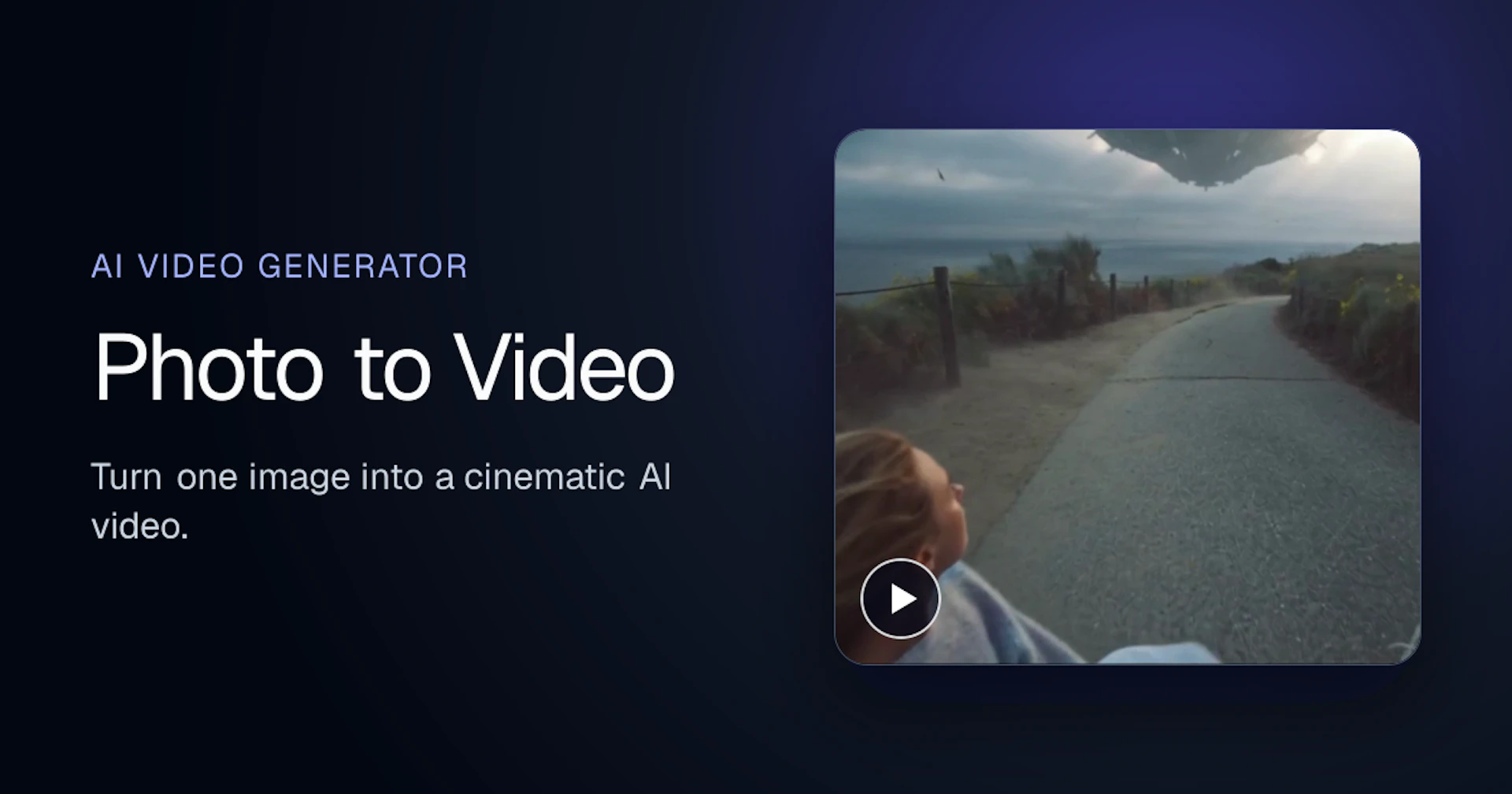
Photo to Video Overview, Features & Pricing (2026)
Photo to Video is an AI-powered tool that transforms still images into dynamic video clips, adding natural motion and cinematic effects. Users can upload a photo, select a model, and generate a video that brings their images to life in seconds.
This tool is designed for a wide range of users, from beginners to creative professionals, allowing anyone to animate portraits, artwork, and product shots effortlessly. With features like camera movement and scene lighting, it ensures that every detail remains true to the original image.
Photo to Video supports various functionalities, including animating facial expressions, creating 360-degree spins of products, and even changing backgrounds. The intuitive interface allows users to direct the motion and pacing, making it a versatile solution for enhancing visual content.
- AI Image to Video Generation — Convert still photos into animated video clips with natural motion.
- Customizable Camera Movement — Direct specific camera actions like push-ins and close-ups to highlight details.
- Multiple AI Models — Utilize various leading AI video models for different animation styles and outputs.
- High-Quality Output — Generate videos in up to 4K resolution for cinematic quality.
- Easy to Use — Designed for all skill levels, from beginners to professionals, with no timeline editing required.
- Animation of Various Subjects — Animate portraits, artwork, and products while preserving details.
- Export Options — Download generated videos in MP4 format.
Photo to Video offers a pricing model based on credits. New accounts receive free credits to start, and each video generation consumes a certain number of credits. There is no subscription required.
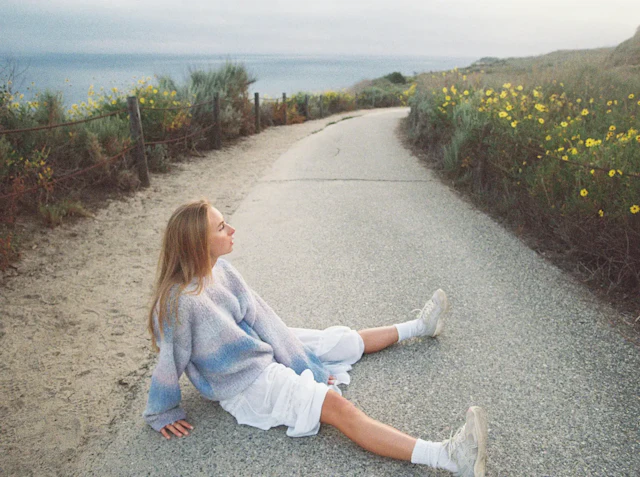
Why to choose Photo to Video?
- Comprehensive AI Models: Utilizes a variety of leading AI video models to create diverse and high-quality animations from images.
- Natural Motion and Detail Preservation: Ensures realistic movement and maintains the integrity of the original image details, making it suitable for portraits, artwork, and product showcases.
- User-Friendly Workflow: Offers a straightforward process for generating videos without the need for subscriptions or complex editing timelines.
- Customizable Camera Directions: Allows users to direct specific camera movements and highlight details, enhancing the creative control over the final output.


