Dia Browser: Promo Codes & Discount Coupons for October 2026
Overview
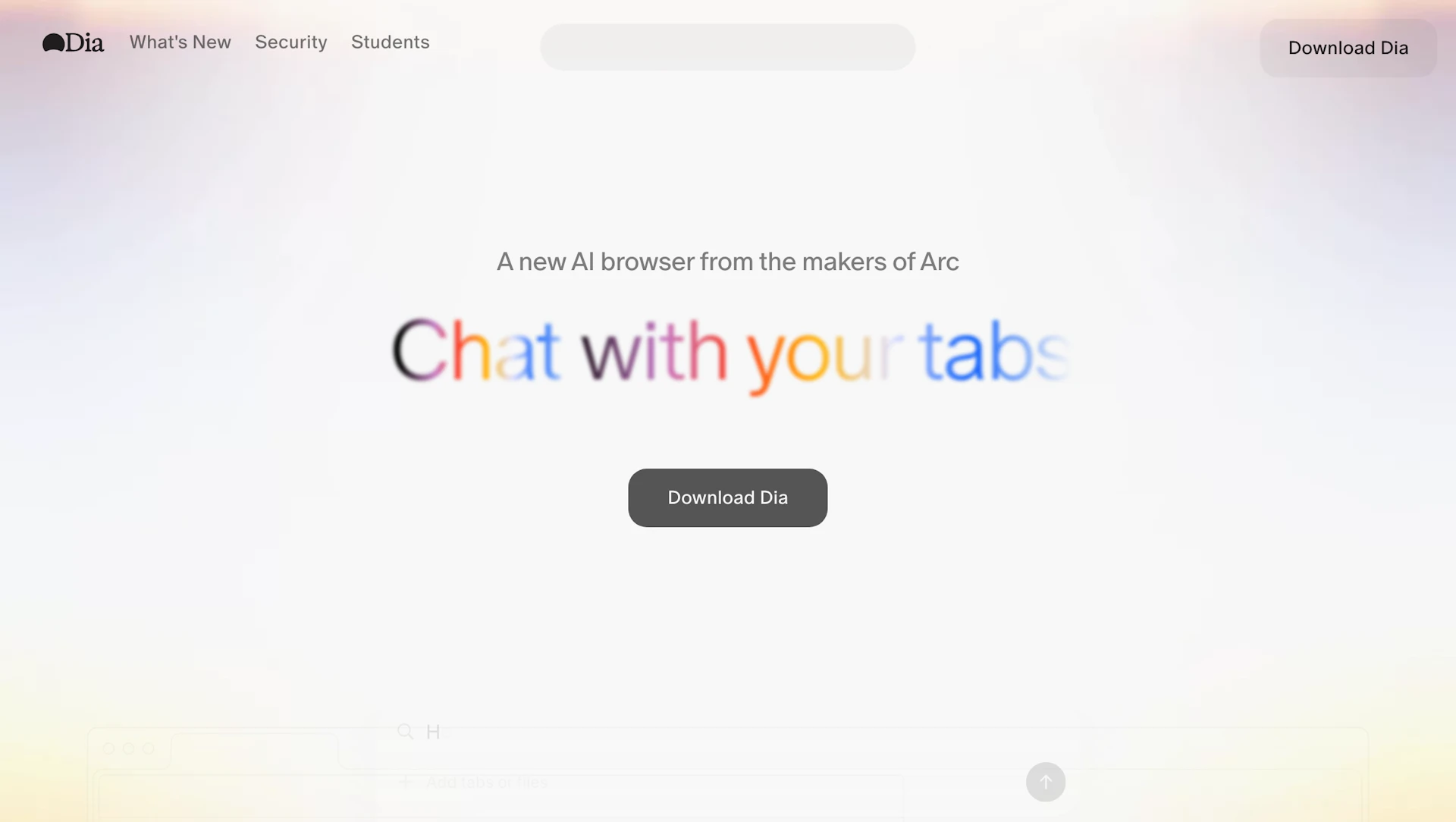
Dia Browser embeds an AI Assistant into a desktop browser to help people draft text, study topics, plan tasks, and compare products without switching apps. It suits students, writers, and professionals who need contextual support while browsing. The browser provides granular privacy controls so users decide what data is shared with AI features. Dia Browser runs on macOS with M1 chips or later and integrates AI tools directly into tabs.
Use cases
- Draft emails, posts, and documents with contextual suggestions.
- Research and learn new topics using summarized content and study aids.
- Plan projects, create to-do lists, and organize ideas across tabs.
- Shop and compare products with AI-assisted summaries.
How it helps
- Speeds writing by providing context-aware suggestions and outlines.
- Reduces research time with quick summaries and source highlights.
- Improves task management by keeping planning and reference together.
- Keeps control over shared data through user-facing privacy settings.
Key features
- Context-aware writing help inside any text box to reduce drafting time.
- Integrates Productivity Tools for tab-based task and note management.
- Research shortcuts that surface summaries and source references for faster review.
- Privacy controls to adjust what data is shared with AI features.
- Tab-aware assistant that retains context across browsing sessions.
Pricing
Paid product. Check the official site for current details.
Why to choose Dia Browser?
Places AI capabilities directly in the browser to preserve context and reduce app switching; includes user-facing privacy controls for configurable data sharing.
How to use a Dia Browser promo code?
Follow these simple steps to save on your Dia Browser subscription using our verified discounts:
- Select a Deal: Browse the active Dia Browser promo codes above and choose the one that fits your needs.
- Reveal the Code: Click the "SHOW CODE" button to uncover the coupon or "Activate Deal" for automatic discounts.
- Apply at Checkout: Copy the code and visit the official Dia Browser website. Paste the code into the promo code field during your purchase to see the price drop.
* These deals are subject to change by the provider. Please check the official Dia Browser website for the latest pricing.