FocuSee: Promo Codes & Discount Coupons for October 2026
Overview
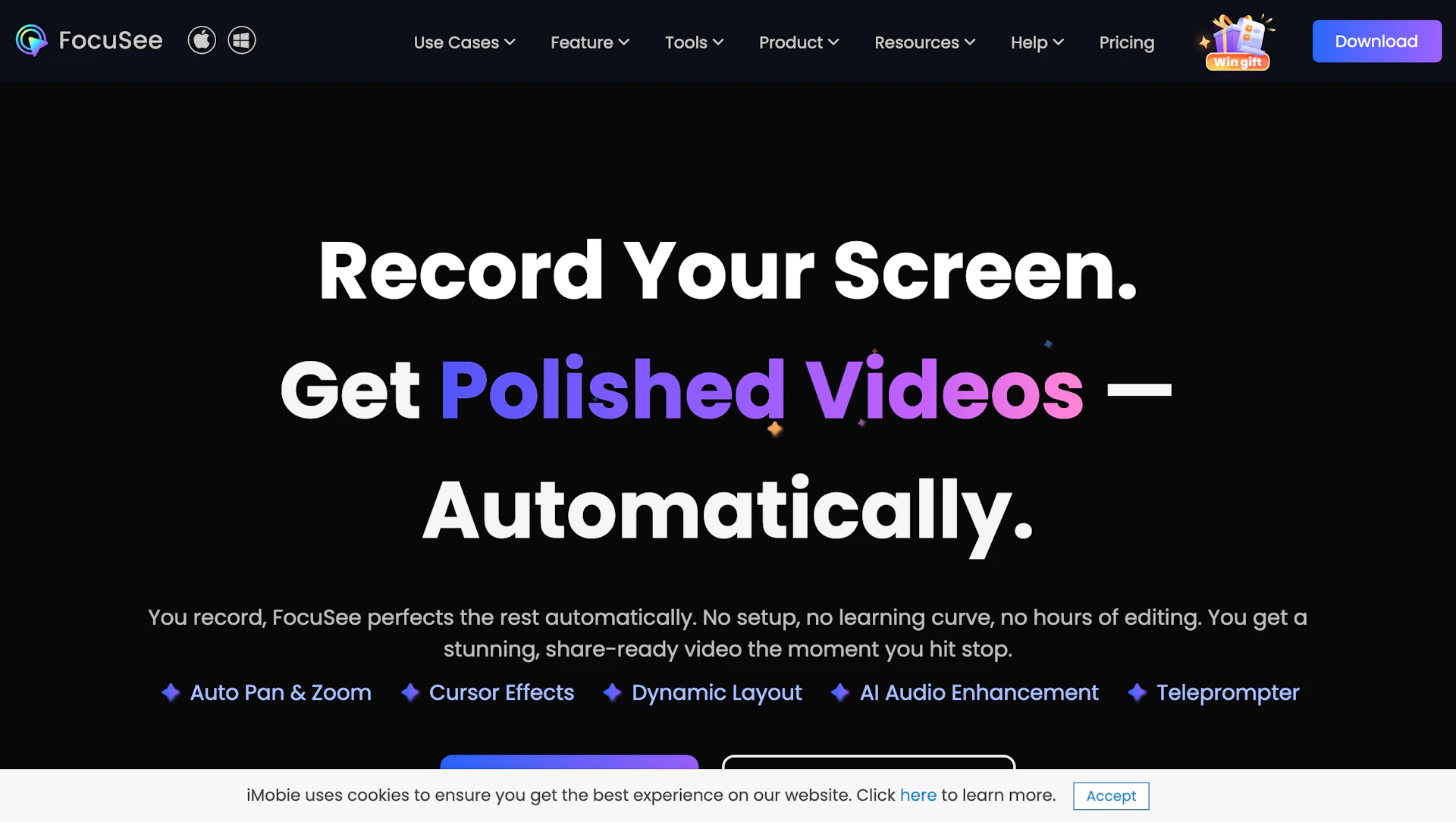
FocuSee is a cross-platform screen recorder that applies automatic edits to recorded tutorials and demos. It adds cursor-following pan and zoom, click highlights, and trims silence and filler words to speed post-production. It also generates subtitles and reduces background noise to improve audio clarity. The app is aimed at creators, educators, and marketing teams who need fast, polished explainer videos.
Use cases
- Create software walkthroughs and product demos.
- Produce training lessons and classroom recordings.
- Generate short marketing clips and social previews.
How it helps
- Automates common edits so teams publish tutorials faster.
- Improves audio and captions for clearer viewer comprehension.
- Standardizes visuals with templates and device framing for consistency.
Key features
- Automatic pan and zoom that highlights actions without manual keyframes.
- Smart spotlight and motion effects to emphasize on-screen steps.
- Auto subtitles and speech cleanup for clearer narration.
- Noise reduction and filler-word removal to improve audio quality.
- Platform-ready presets and templates for Content Creation Tools workflows.
Pricing
Offers a freemium model with optional paid upgrades. Check the official site for current details.
Why to choose FocuSee?
FocuSee applies automatic pan/zoom, captioning, and audio cleanup so teams produce tutorial videos with less manual editing.
How to use a FocuSee promo code?
Follow these simple steps to save on your FocuSee subscription using our verified discounts:
- Select a Deal: Browse the active FocuSee promo codes above and choose the one that fits your needs.
- Reveal the Code: Click the "SHOW CODE" button to uncover the coupon or "Activate Deal" for automatic discounts.
- Apply at Checkout: Copy the code and visit the official FocuSee website. Paste the code into the promo code field during your purchase to see the price drop.
* These deals are subject to change by the provider. Please check the official FocuSee website for the latest pricing.