isFake.ai: Promo Codes & Discount Coupons for October 2026
Overview
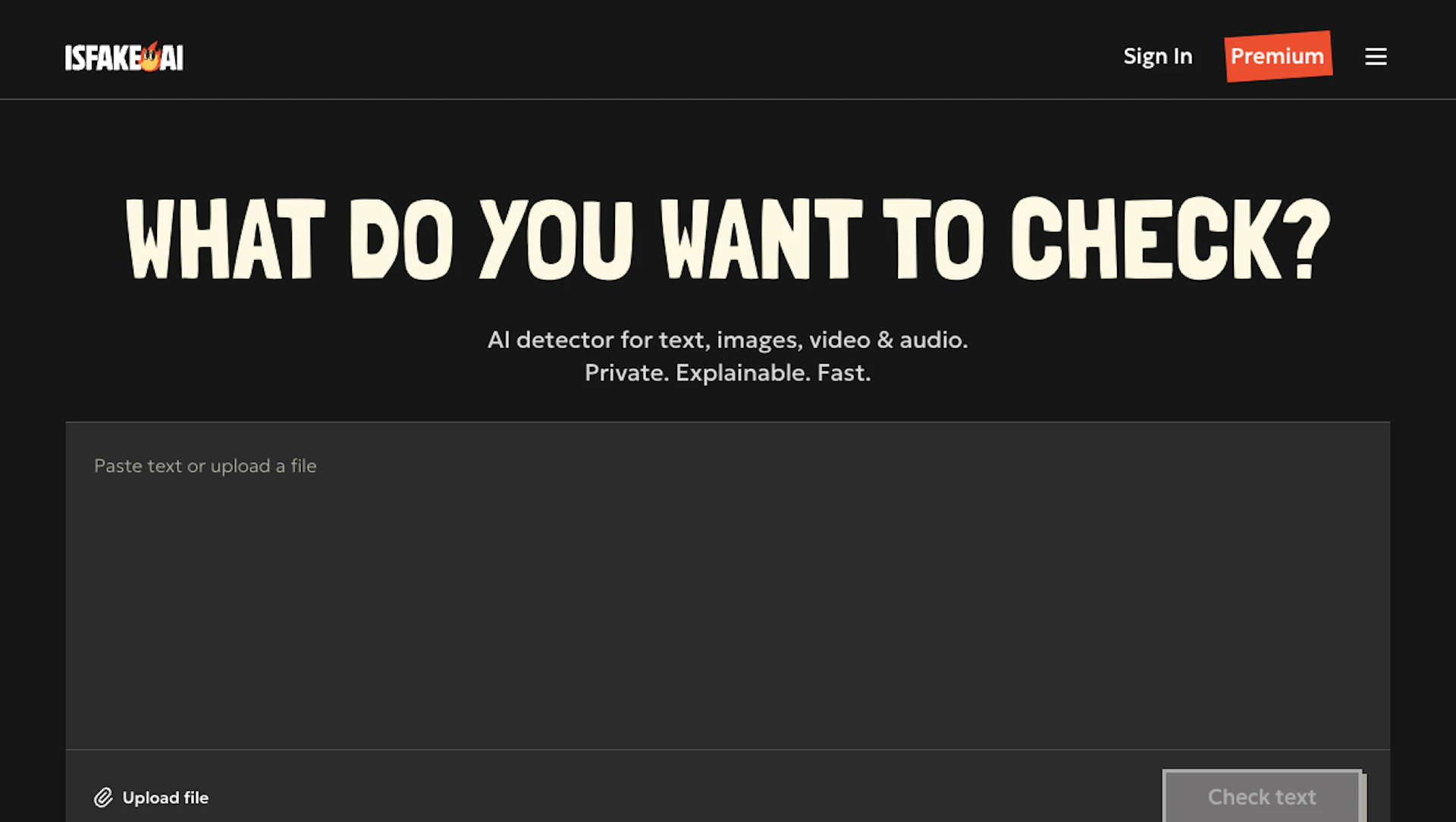
isFake.ai detects whether text, images, video, or audio were produced by machine models and returns a confidence score. The analysis presents visual evidence—highlighted text spans, image heatmaps, flagged video frames, and audio waveforms—so reviewers can inspect why a result was triggered. The interface requires no technical setup and suits educators, journalists, moderators, and teams needing fast authenticity checks.
Use cases
- Verify news stories and social posts before publication.
- Screen user uploads and community content for synthetic media.
- Check academic or corporate submissions for AI-generated text.
- Audit marketing or creative assets for manipulated images or deepfakes.
How it helps
- Speeds verification with single-click scans across text, image, video, and audio.
- Improves decision confidence by showing visual evidence for each finding.
- Reduces manual review time with clear, actionable flags and scores.
Key features
- Reduce verification time with quick multi-format scans and concise confidence scores.
- Reveal anomalies with image heatmaps that expose artifacts from Image Generators.
- Inspect video frame-by-frame to detect lip-sync errors and facial glitches.
- Analyze audio waveforms to identify cloned voices and synthetic speech.
- Run text checks that highlight suspicious fragments across multiple languages.
Pricing
Free tier allows single-file uploads and paste-in text checks. Check the official site for current details.
Why to choose isFake.ai?
Multi-modal detection and clear visual evidence in one interface help teams verify authenticity faster; processing is real-time and uploads are not retained for privacy.
How to use a isFake.ai promo code?
Follow these simple steps to save on your isFake.ai subscription using our verified discounts:
- Select a Deal: Browse the active isFake.ai promo codes above and choose the one that fits your needs.
- Reveal the Code: Click the "SHOW CODE" button to uncover the coupon or "Activate Deal" for automatic discounts.
- Apply at Checkout: Copy the code and visit the official isFake.ai website. Paste the code into the promo code field during your purchase to see the price drop.
* These deals are subject to change by the provider. Please check the official isFake.ai website for the latest pricing.