LM Studio Overview, Features & Pricing (2026)
Overview
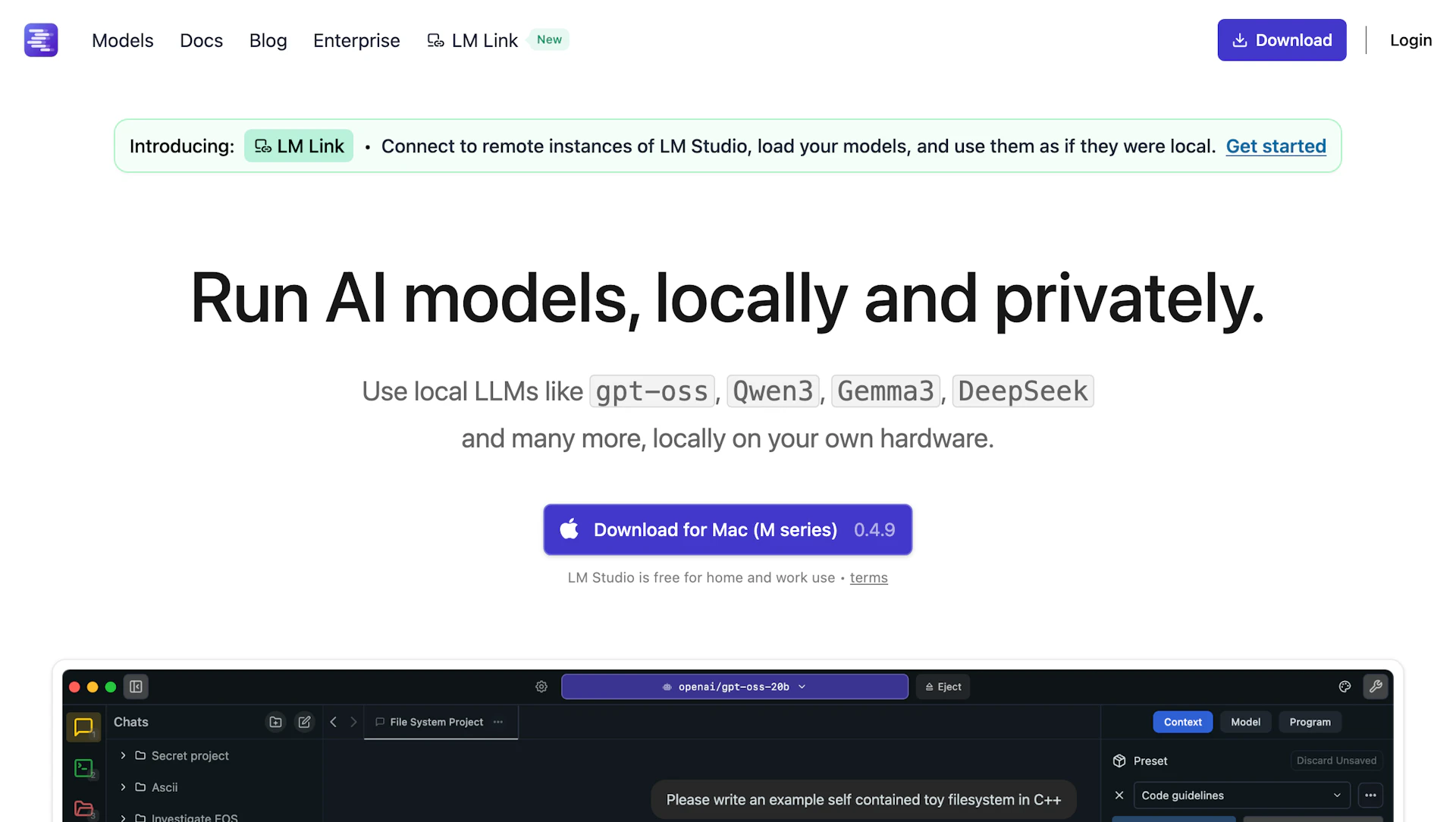
LM Studio is a free desktop app for running and evaluating LLM models locally and privately. It operates on personal machines and on servers without requiring cloud access. Developers, researchers, and educators can host models, test prompts, and iterate offline. The project also provides headless deployment options suited for server and CI environments.
Use cases
- Local model development and prompt experimentation.
- Private inference for sensitive or regulated data.
- Classroom demonstrations and hands-on education exercises.
- Server-side, headless deployments for continuous integration and testing.
How it helps
- Reduces dependency on cloud services for private model inference.
- Speeds iteration with local testing and prompt tuning workflows.
- Improves reproducibility and control over data and models.
Key features
- Run and evaluate LLM models offline for private inference and testing.
- Headless deployments for servers and CI to support production workflows.
- Local model management and prompt testing to speed iteration and debugging.
- Simple exports and integrations for building AI Assistant prototypes.
- Visual tools for logs, model inspection, and reproducible experiments.
Pricing
LM Studio is free for home and work use. Check the official site for current details.
Why to choose LM Studio?
LM Studio combines a desktop GUI with headless deployment options so teams can run LLMs locally, test prompts, and deploy private model hosting without cloud dependency.