
Lovo: Promo Codes & Discount Coupons for October 2026
Overview
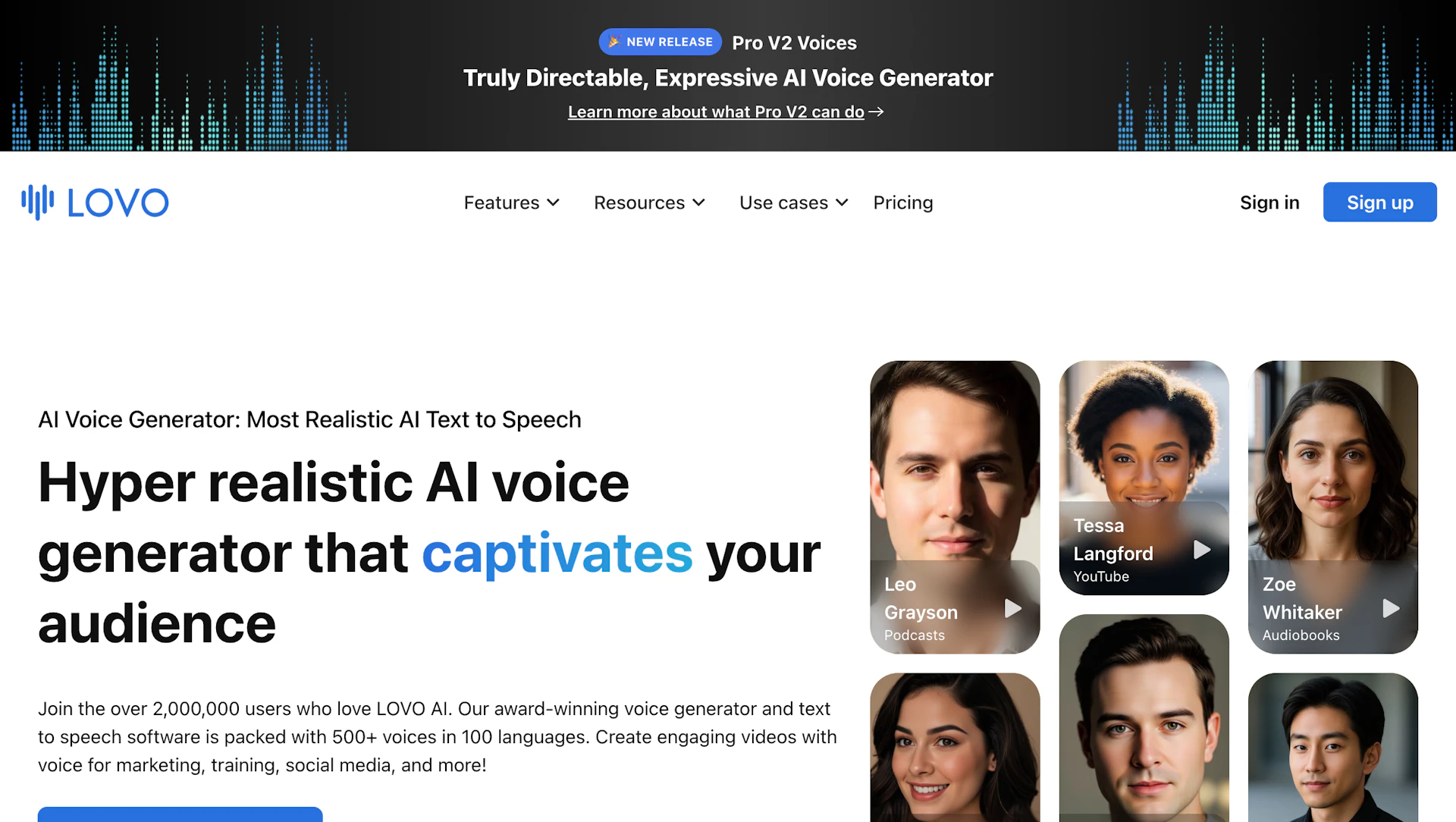
Lovo converts text into spoken audio using a broad selection of synthetic voices and support for many languages. It includes a browser-based timeline editor for layering narration, adjusting pacing, and exporting WAV, MP3, or MP4 files. The workspace adds subtitle generation and a script tool to speed production. Consent-based voice cloning and a REST API let teams embed or automate voice creation.
Use cases
- Produce voiceovers for brand videos and marketing content.
- Localize e-learning courses and training modules.
- Create narration for podcasts, audiobooks, and demos.
- Generate IVR prompts and in-app spoken feedback for products.
How it helps
- Reduce recording time by converting scripts to ready audio with a few clicks.
- Maintain consistent brand tone with reusable voices and cloning controls.
- Simplify localization and subtitling to publish multi-language content faster.
Key features
- Rapid audio production via a browser editor with one-click export (WAV, MP3, MP4).
- Wide multilingual voice library for consistent narration across markets.
- Consent-based voice cloning from a short sample to reproduce a brand voice.
- Timeline editor for multi-track narration and sync with Video Editors workflows.
- Emotion and pronunciation controls to improve delivery and accuracy.
Pricing
Lovo offers a free plan with limited features. Check the official site for current details.
Why to choose Lovo?
Lovo combines consent-based voice cloning with an integrated timeline editor to streamline multi-track voiceover production for creators and teams.
How to use a Lovo promo code?
Follow these simple steps to save on your Lovo subscription using our verified discounts:
- Select a Deal: Browse the active Lovo promo codes above and choose the one that fits your needs.
- Reveal the Code: Click the "SHOW CODE" button to uncover the coupon or "Activate Deal" for automatic discounts.
- Apply at Checkout: Copy the code and visit the official Lovo website. Paste the code into the promo code field during your purchase to see the price drop.
* These deals are subject to change by the provider. Please check the official Lovo website for the latest pricing.


