Shortwave: Promo Codes & Discount Coupons for October 2026
Overview
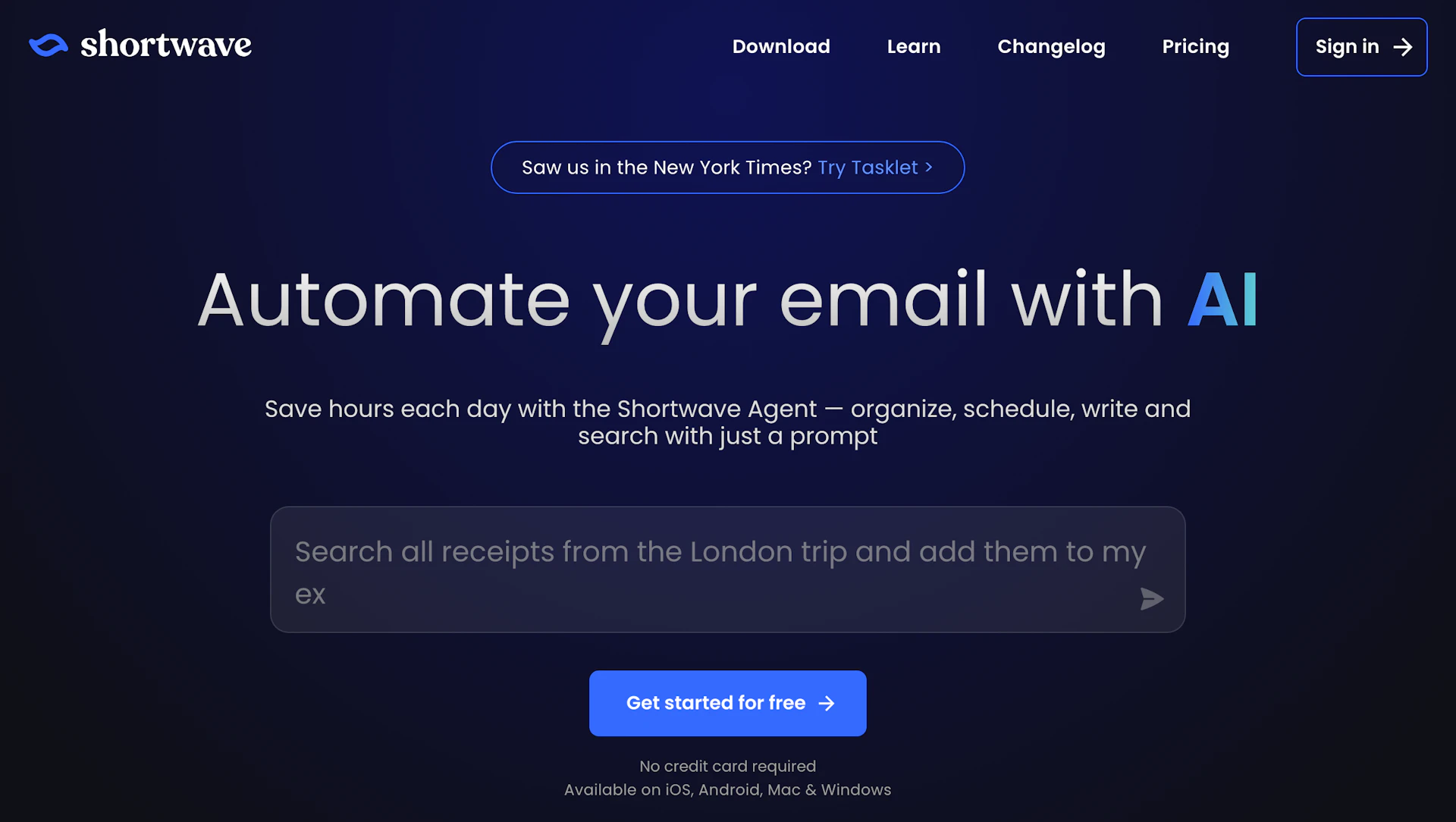
Shortwave helps teams manage email with AI-driven filters, automated drafting, and scheduling. It integrates with Slack, Calendar, Notion, and common task platforms to keep workflows connected. The app groups messages, converts emails into action items, and supports shared threads plus private comments for team collaboration. Teams in sales, support, and operations use it to reduce triage time and keep ownership clear.
Use cases
- Automate inbox triage and route messages to the right team members.
- Draft personalized replies and templates that match team tone.
- Schedule meetings and check availability directly from email.
- Convert messages into tracked tasks and assign owners.
- Search across threads and attachments to surface customer context.
How it helps
- Reduce time spent on email by automating sorting and bulk triage.
- Increase response quality with context-aware draft suggestions.
- Simplify scheduling and reduce back-and-forth for meetings.
- Centralize team communication to improve visibility and handoffs.
Key features
- Reduce inbox time by automating triage, labeling, and bulk archiving.
- Improve reply quality with drafts that adapt to your team's voice.
- Schedule events and check availability directly from messages.
- Connect to Productivity Tools to sync tasks, notes, and calendars across apps.
- Share live threads and add private comments to keep teams aligned.
Pricing
Paid plans available. Check the official site for current details.
Why to choose Shortwave?
Shortwave centralizes email workflows and provides shared, AI-searchable archives so teams can reduce inbox overhead and keep context in one place.
How to use a Shortwave promo code?
Follow these simple steps to save on your Shortwave subscription using our verified discounts:
- Select a Deal: Browse the active Shortwave promo codes above and choose the one that fits your needs.
- Reveal the Code: Click the "SHOW CODE" button to uncover the coupon or "Activate Deal" for automatic discounts.
- Apply at Checkout: Copy the code and visit the official Shortwave website. Paste the code into the promo code field during your purchase to see the price drop.
* These deals are subject to change by the provider. Please check the official Shortwave website for the latest pricing.