Warp AI: Promo Codes & Discount Coupons for October 2026
Overview
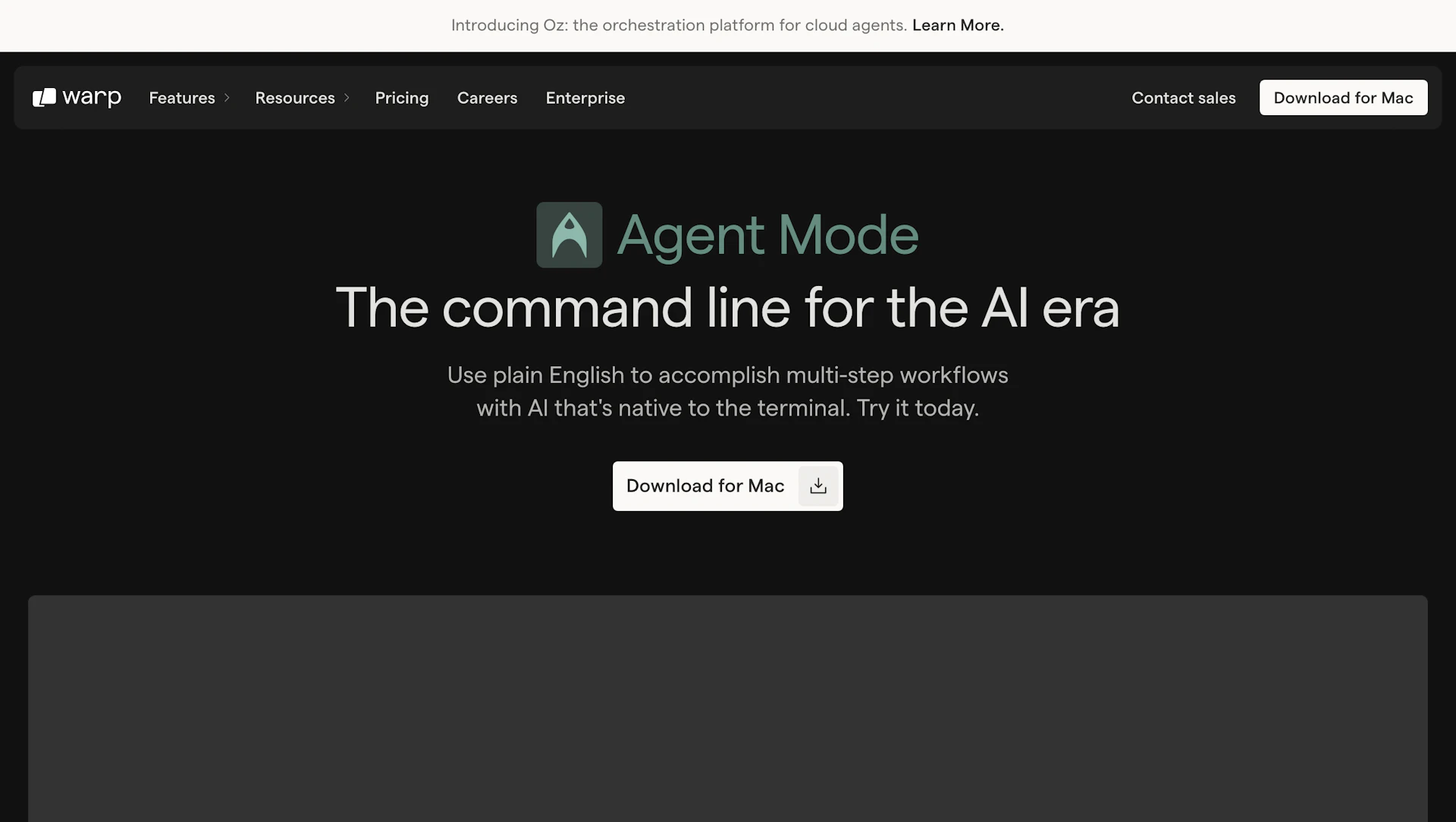
Warp AI brings natural-language input to the terminal so developers can run commands and ask questions without leaving the shell. Agent Mode reads the local environment and offers tailored suggestions based on CLI output and project files. It previews proposed commands and requests approval before executing changes. Designed for developers and teams that rely on command-line tools, it reduces context switching and speeds routine tasks.
Use cases
- Accelerating debugging and error resolution in codebases.
- Learning and exploring unfamiliar CLI tools and commands.
- Automating repetitive terminal tasks like batch edits or file updates.
- Collecting logs and summarizing diagnostics for troubleshooting.
How it helps
- Reduce time spent searching docs by running plain-English commands.
- Lower risk of destructive changes with command previews and approvals.
- Increase throughput on multi-step terminal workflows and repetitive tasks.
Key features
- Execute plain-English commands with previews that reduce trial-and-error.
- Environment-aware suggestions that surface relevant fixes and commands.
- Approve or modify proposed commands before they run to protect files and settings.
- Learn CLI usage from docs to shorten onboarding and support AI for Coding.
- Local natural-language detection and privacy controls for sensitive inputs.
Pricing
Paid plans are available. Check the official site for current details.
Why to choose Warp AI?
Warp AI embeds an agent in the terminal to provide environment-aware guidance and let users preview and approve commands before execution.
How to use a Warp AI promo code?
Follow these simple steps to save on your Warp AI subscription using our verified discounts:
- Select a Deal: Browse the active Warp AI promo codes above and choose the one that fits your needs.
- Reveal the Code: Click the "SHOW CODE" button to uncover the coupon or "Activate Deal" for automatic discounts.
- Apply at Checkout: Copy the code and visit the official Warp AI website. Paste the code into the promo code field during your purchase to see the price drop.
* These deals are subject to change by the provider. Please check the official Warp AI website for the latest pricing.