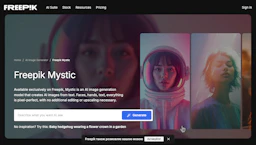
Freepik AI
Generate visuals with Image Generators to convert prompts into editable illustrations, vectors, and templates for marketing and product design teams.
Top deal: Promo code for Freepik AI image generator

Side-by-side features, pricing, and active deals — pick a different matchup any time.
Generate visuals with Image Generators to convert prompts into editable illustrations, vectors, and templates for marketing and product design teams.
Top deal: Promo code for Freepik AI image generator
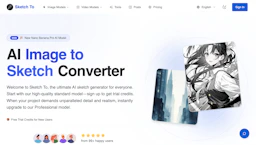
Convert with Image Generators to turn photos and sketches into pencil, watercolor, and digital styles or realistic images for creators and designers.
Top deal: 25% Off A Pro Subscription
| Feature | Freepik AI | Sketch To |
|---|---|---|
| Top features | Prompt-to-asset generation for illustrations and vectors. · Editable vector exports and common file formats for production. · Style presets and templates to enforce brand consistency. | Reduce editing time with fast cloud conversions that return results in seconds. · Nine distinct sketch styles for varied artistic outputs and consistent assets. · Bidirectional workflow to prototype finished visuals from sketches and vice versa. |
| Pricing model | Paid | Free |
| Free plan | No | Yes |
| Active deals | 5 active | 8 active |
| Categories | Image Generators, Art Generator, Design, Photo Editing, Marketing | Image Generators, Art Generator, Photo Editing |
| Website | Visit Freepik AI | Visit Sketch To |
Paid subscriptions and commercial licenses are available. Check the official site for current details.
Free tier available with limited credits; paid upgrades add more credits and a commercial license. Check the official site for current details.
Combines prompt-driven image creation with editable vector outputs and preset styles to simplify production of consistent brand assets.
Sketch To supports both photo-to-sketch and sketch-to-photo conversions, letting creators preview finished looks from hand drawings without complex toolchains.
Sketch To is free while Freepik AI is paid, so Sketch To is the cheaper way to start.
Yes — Freepik AI has 5 active deals and Sketch To has 8 active deals on AI Tools Saver.
Freepik AI adds Design, Marketing on top of what both tools share.
Both Freepik AI and Sketch To are Image Generators, Art Generator, Photo Editing tools, so they can cover similar use cases.
More matchups featuring Freepik AI or Sketch To.