Luma AI: Promo Codes & Discount Coupons for October 2026
Overview
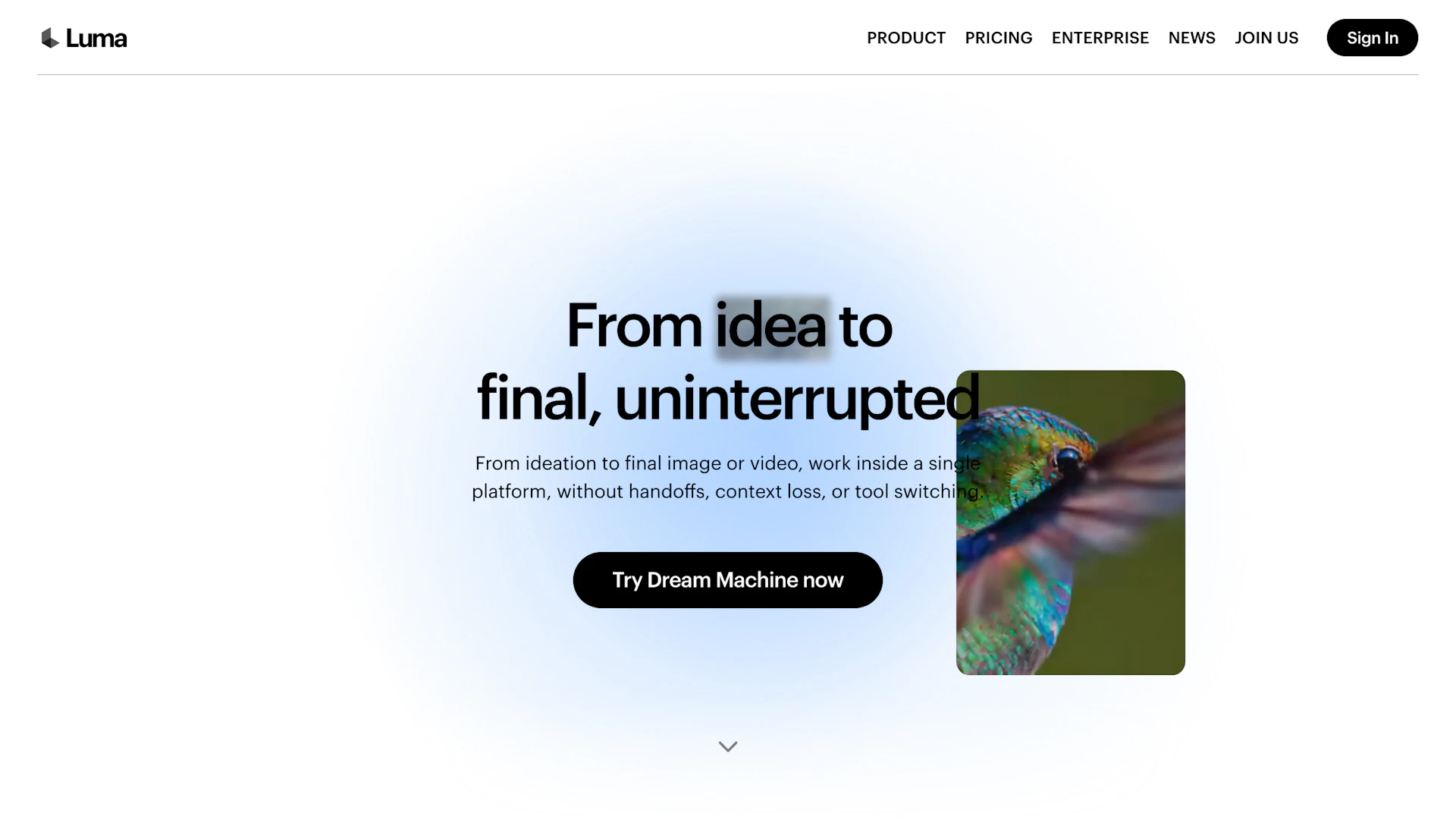
Luma AI converts text and reference images into high-detail images and short video clips for creators, filmmakers, and designers. It pairs a fast image model with a video model to produce coherent motion, lighting, and scene continuity. The app supports reference remixing, direct clip edits, and project boards to organize ideas. Available on iOS and the web.
Use cases
- Rapid concept art and storyboarding from text or reference images.
- Short clip creation and iteration for social or demo reels.
- Consistent character, style, or asset generation across multiple outputs.
- Quick visual prototypes for design and marketing reviews.
How it helps
- Speeds ideation by turning brief prompts into usable visuals.
- Reduces rework through reference remixing and consistent styling.
- Improves output quality with coherent motion and lighting in clips.
- Simplifies project workflow with boards and shareable remixes.
Key features
- High-detail image generation for fast creative iteration.
- Realistic short-video generation with coherent motion and lighting.
- Import and remix references to keep characters and styles consistent.
- Direct clip editing tools useful for Video Editors, including start/end frames and looping.
- Brainstorm suggestions and project boards to organize multiple concepts.
Pricing
Offers a free tier; see plan limits and upgrades on the official site. Check the official site for current details.
Why to choose Luma AI?
Combines a high-detail image model with a large video model to produce coherent motion and consistent style, enabling faster iteration and easier remixing of references.
How to use a Luma AI promo code?
Follow these simple steps to save on your Luma AI subscription using our verified discounts:
- Select a Deal: Browse the active Luma AI promo codes above and choose the one that fits your needs.
- Reveal the Code: Click the "SHOW CODE" button to uncover the coupon or "Activate Deal" for automatic discounts.
- Apply at Checkout: Copy the code and visit the official Luma AI website. Paste the code into the promo code field during your purchase to see the price drop.
* These deals are subject to change by the provider. Please check the official Luma AI website for the latest pricing.