PhotoCat AI Image Extender Overview, Features & Pricing (2026)
Overview
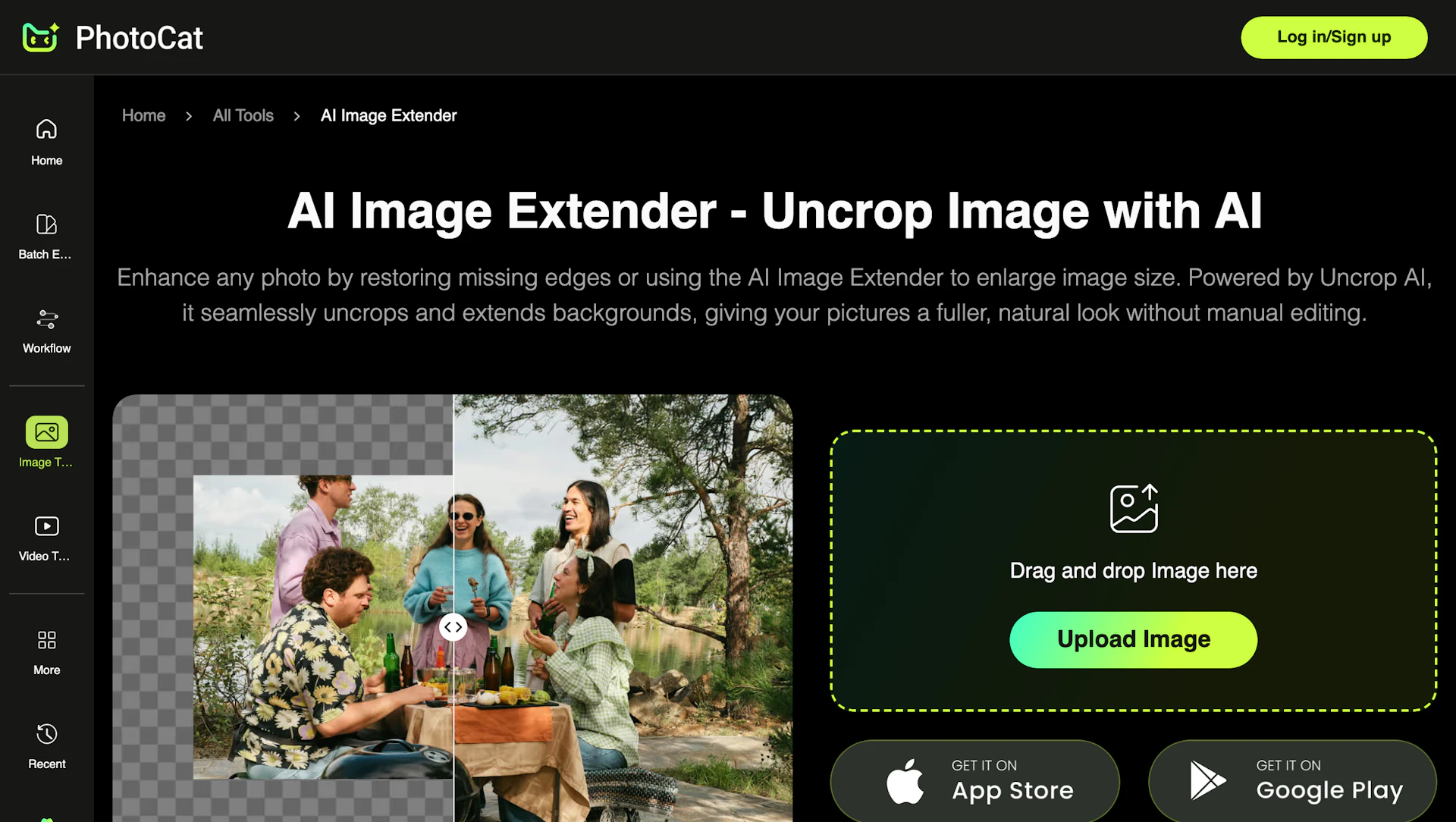
PhotoCat AI Image Extender uses generative in-painting to expand an image canvas and fill missing edges. It recreates matching background, texture, and lighting so edits blend with the original scene. Creators, social managers, and e-commerce sellers can reframe one photo for multiple platform sizes without reshooting. The web app exports high-resolution images quickly and requires no desktop software.
Use cases
- Reframe landscape or portrait shots to fit social formats without reshooting.
- Extend product photos to create banners and advertising assets from a single image.
- Adjust composition of portraits or headshots for different crops and layouts.
- Produce wider headers or hero images by extending scene backgrounds seamlessly.
How it helps
- Reduce reshoots and manual editing time by automating canvas expansion.
- Generate high-resolution assets suitable for web and print to improve output quality.
- Speed social publishing with preset sizes that cut design handoffs.
- Simplify workflows with a three-step web process so teams can produce more content.
Key features
- Speed up repurposing with preset canvas sizes for common social formats.
- Export sharp 4K images without watermarks for client or display use.
- Produce realistic scene extensions using generative in-painting for consistent texture and lighting.
- Manual canvas resizing with drag controls for precise Photo Editing adjustments.
- Simple web workflow: upload, select size, generate, and download in seconds.
Pricing
Free access with no watermark on downloaded images. Check the official site for current details.
Why to choose PhotoCat AI Image Extender?
Generative in-painting recreates plausible scene extensions while preserving texture and lighting, and the web app delivers high-resolution exports with a minimal, fast workflow.