PXZ AI Overview, Features & Pricing (2026)
Overview
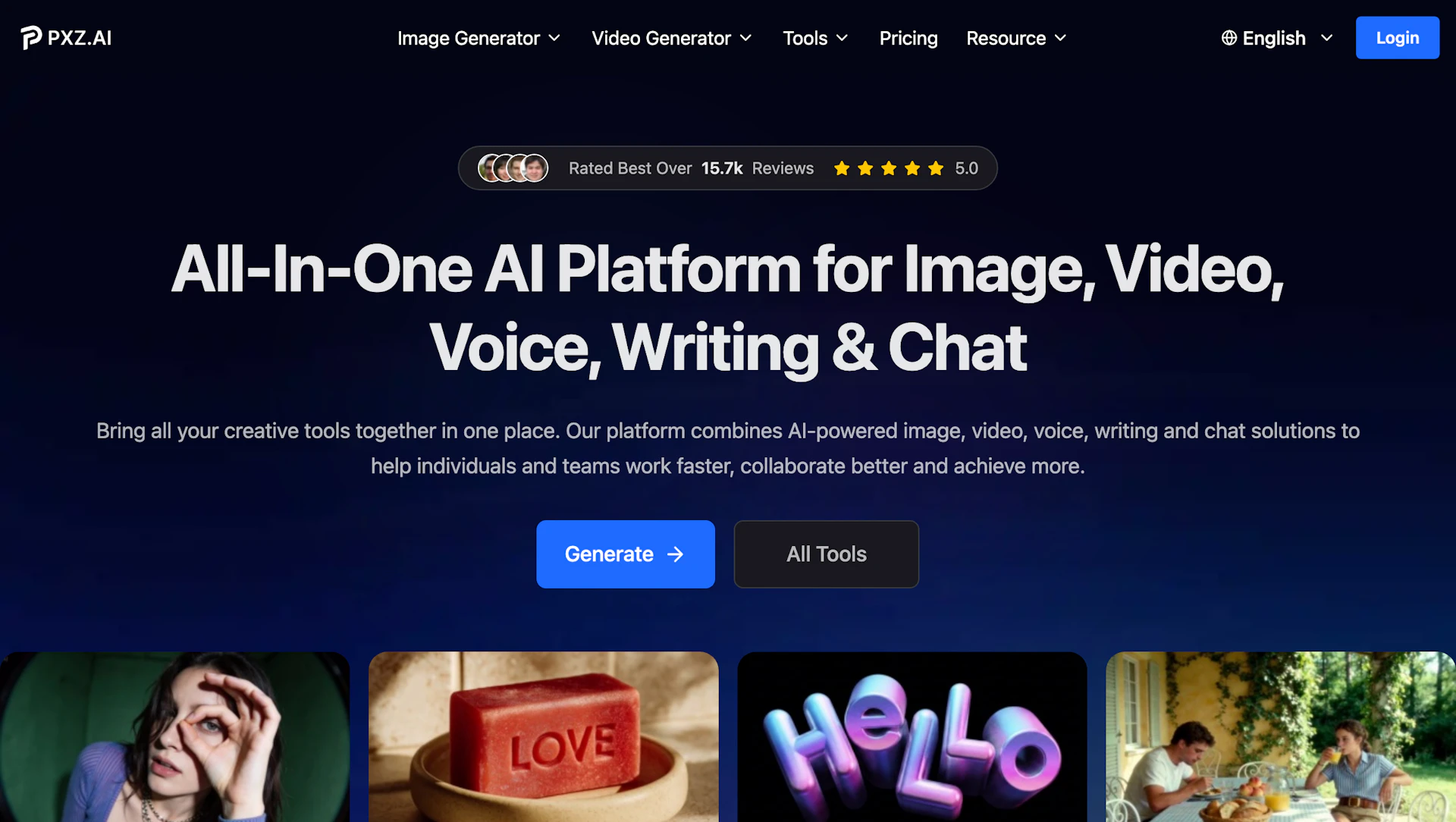
PXZ AI provides image, video, voice, and text generation plus editing tools in a single browser-based workspace. Creators can turn prompts into images or videos, restore and colorize photos, remove backgrounds, and clone voices without switching apps. Processing runs on the provider's servers, so upload and download speed affect large video jobs. It suits social media managers, small businesses, educators, and indie creators who need multiple asset types quickly.
Use cases
- Produce social media visuals and short clips for campaigns.
- Create product images and promotional videos for e-commerce listings.
- Generate voiceovers and clone voices for podcasts and video narration.
- Restore, colorize, and upscale archival or product photos.
How it helps
- Reduce time-to-publish by generating and editing assets in one workspace.
- Improve asset consistency with repeatable prompt-based image generation.
- Lower production overhead by replacing multiple tools with centralized exports.
Key features
- Produce marketing visuals quickly with text-to-image models for consistent brand assets.
- Create short videos from prompts or image sequences using Video Generators to accelerate campaigns.
- Restore, upscale, and colorize photos to refresh legacy assets and product images.
- Clone and edit voice recordings for narration and multilingual demos.
- Centralize editing and export workflows to cut tool-switching and speed delivery.
Pricing
Offers a freemium tier with paid upgrades for commercial rights. Check the official site for current details.
Why to choose PXZ AI?
PXZ AI consolidates image, video, voice, and text tools into a single workspace, reducing the need to juggle multiple apps. Server-side processing simplifies resource-heavy exports and large video jobs.