Image Convert Tools Overview, Features & Pricing (2026)
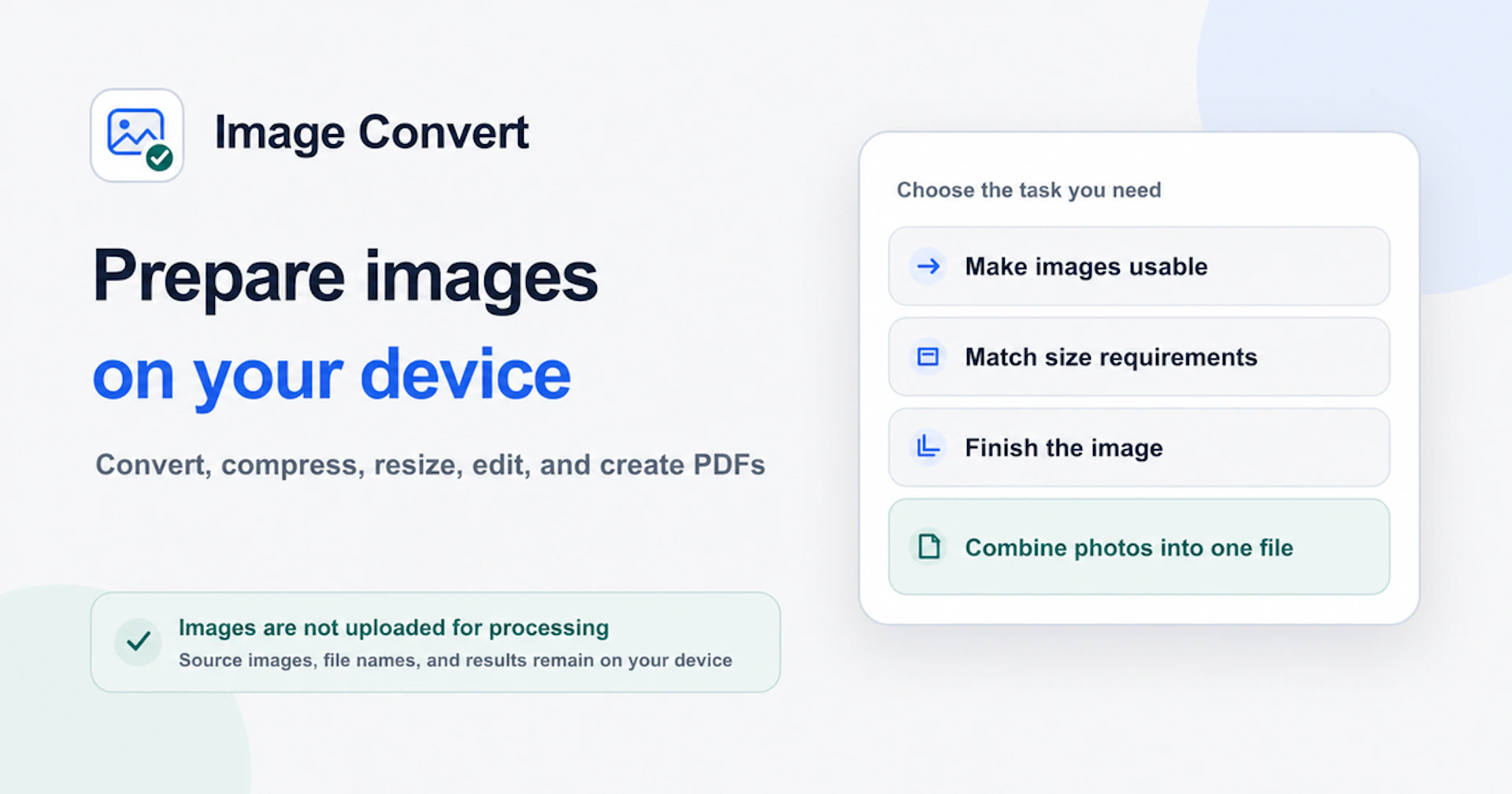
Image Convert offers a suite of free browser-based image tools that allow users to convert, compress, resize, crop, watermark, and create PDFs from images without any need for installation or sign-in. Each tool processes supported files locally in the browser, ensuring that your images are never uploaded and remain on your device throughout the process.
- HEIC to JPG — Convert HEIC images to JPG offline.
- Image Converter — Convert between JPG, PNG, and WebP formats.
- Image Compressor — Compress JPG, PNG, and WebP images easily.
- Image Resizer — Set custom width and height for images.
- Crop Image — Select and export specific areas of an image.
- Watermark Image — Add privacy watermarks to your images locally.
- HEIC to PDF — Convert HEIC files into multi-page PDFs.
Image Convert is free to use and does not require any sign-in or software installation. For current pricing details, please visit the official pricing page.
Why to choose Image Convert Tools?
Image Convert is ideal for users who value privacy and convenience, as it processes images locally in the browser without uploads. This makes it suitable for various needs, including personal photos, application documents, and web publishing. With its easy-to-use interface, users can efficiently handle multiple image types and tasks simply and effectively.