
Spline AI: Promo Codes & Discount Coupons for October 2026
Overview
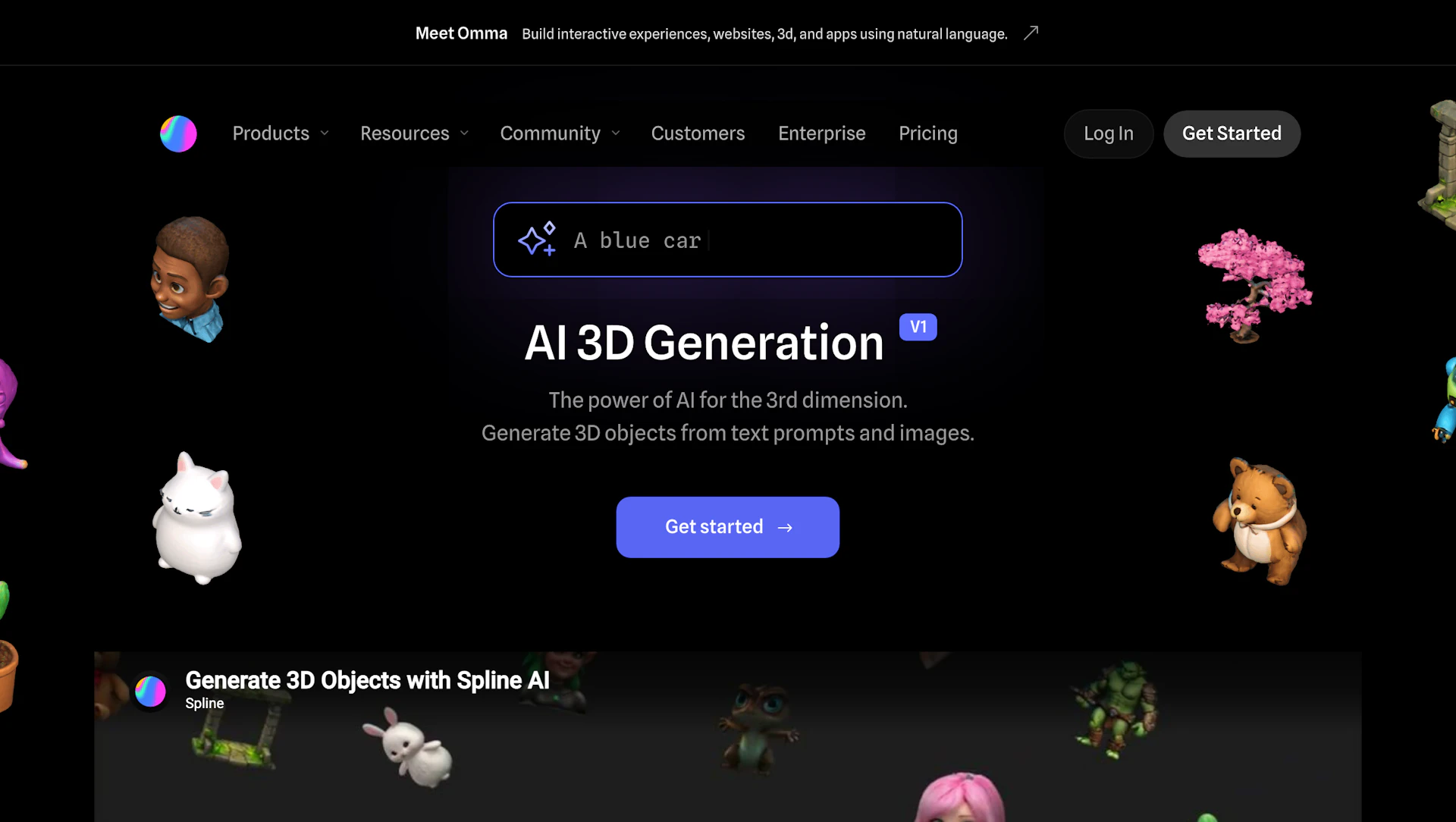
Spline AI converts text prompts and front-facing images into editable 3D objects and scene-ready models. It serves designers, product teams, and creators who need fast 3D prototyping. Generate variants, remix previous results, and refine assets inside the editor or from your dashboard. Export interactive assets for the web, Apple platforms, and Android.
Use cases
- Rapid prototyping of product concepts and UI elements.
- Creating game and animation assets for scenes.
- Building interactive web embeds and AR previews.
- Generating a consistent 3D library for design systems.
How it helps
- Reduce modeling time by producing base models from prompts and images.
- Speed up iteration with quick variant generation and remixing.
- Maintain workflow continuity by generating directly in the editor or dashboard.
- Deliver assets across platforms with export-ready formats.
Key features
- Prompt-driven 3D generation to accelerate concept exploration.
- Convert front-facing images into editable 3D shapes using Image Generators for reference-based builds.
- In-editor generation to keep design and build in one workspace.
- Variant remixing to quickly produce and compare alternatives.
- Export code snippets and projects for web, iOS, and Android to simplify delivery.
Pricing
Paid plans are available. Check the official site for current details.
Why to choose Spline AI?
Spline AI pairs in-editor generation with dashboard library management to speed prototyping and simplify cross-platform exports.
How to use a Spline AI promo code?
Follow these simple steps to save on your Spline AI subscription using our verified discounts:
- Select a Deal: Browse the active Spline AI promo codes above and choose the one that fits your needs.
- Reveal the Code: Click the "SHOW CODE" button to uncover the coupon or "Activate Deal" for automatic discounts.
- Apply at Checkout: Copy the code and visit the official Spline AI website. Paste the code into the promo code field during your purchase to see the price drop.
* These deals are subject to change by the provider. Please check the official Spline AI website for the latest pricing.


